

Overview
The FlowX Designer is a powerful, collaborative platform that empowers you to create sophisticated web and mobile applications without coding expertise. Let’s explore the key capabilities available in the Designer:- Project Management
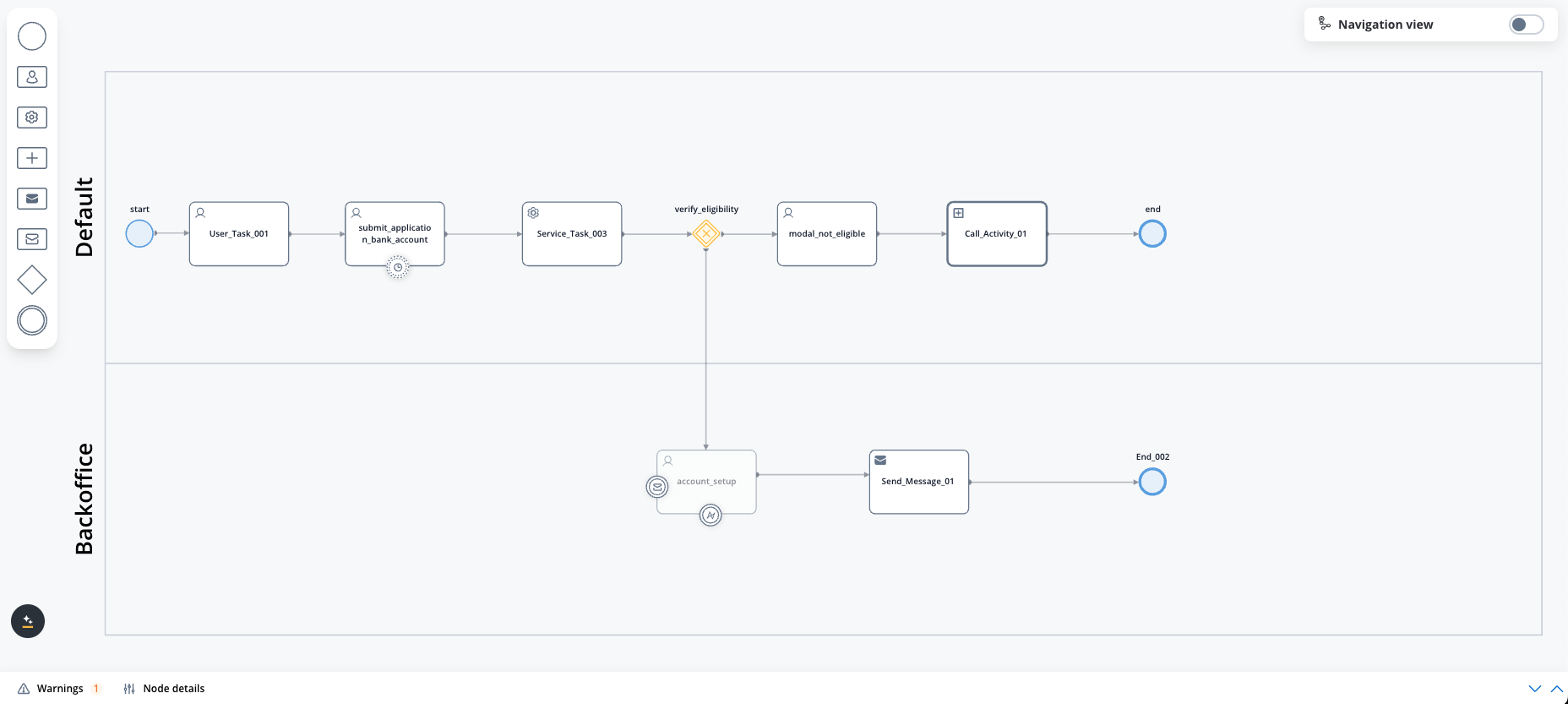
- Process Design
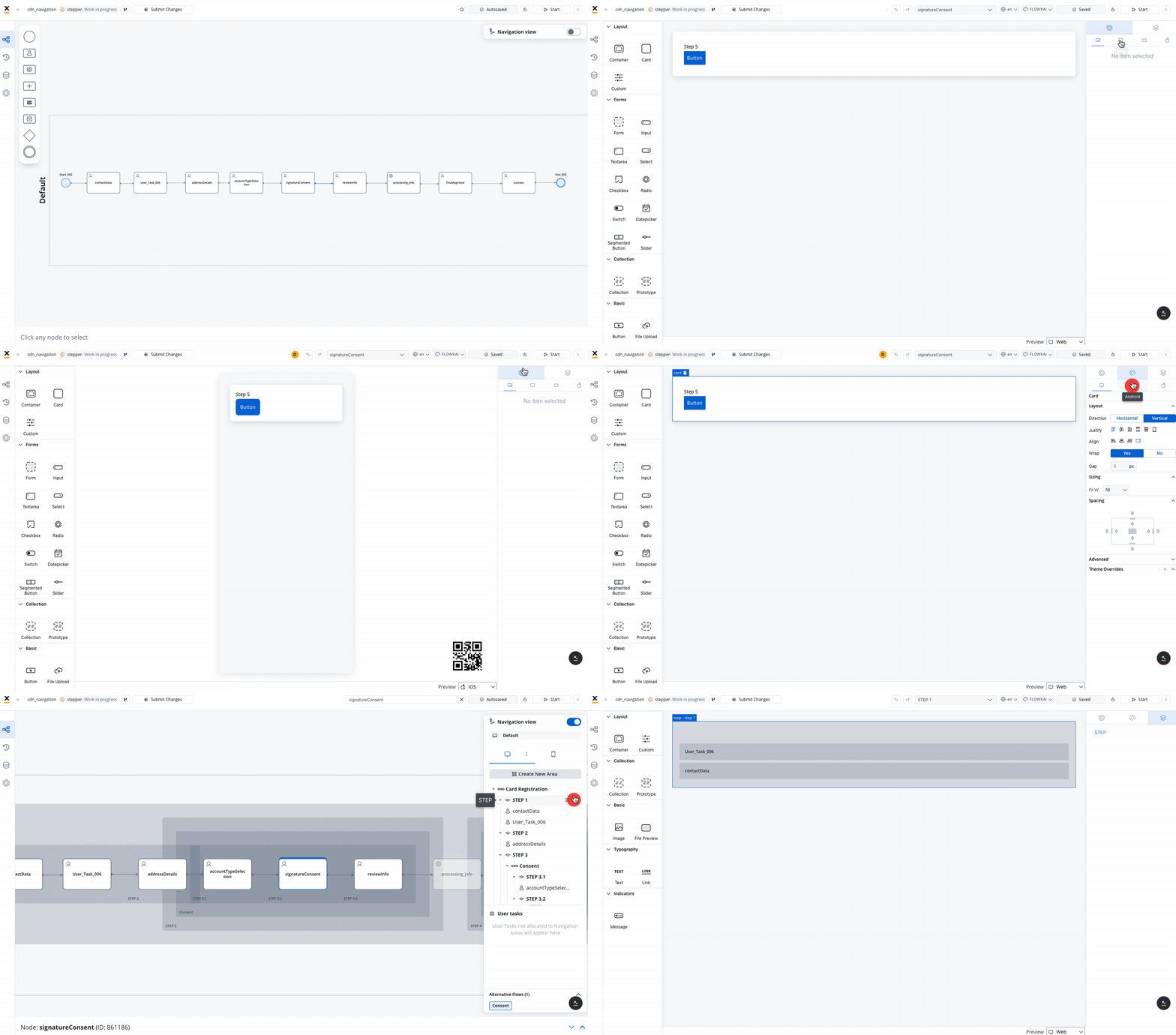
- Content & UI
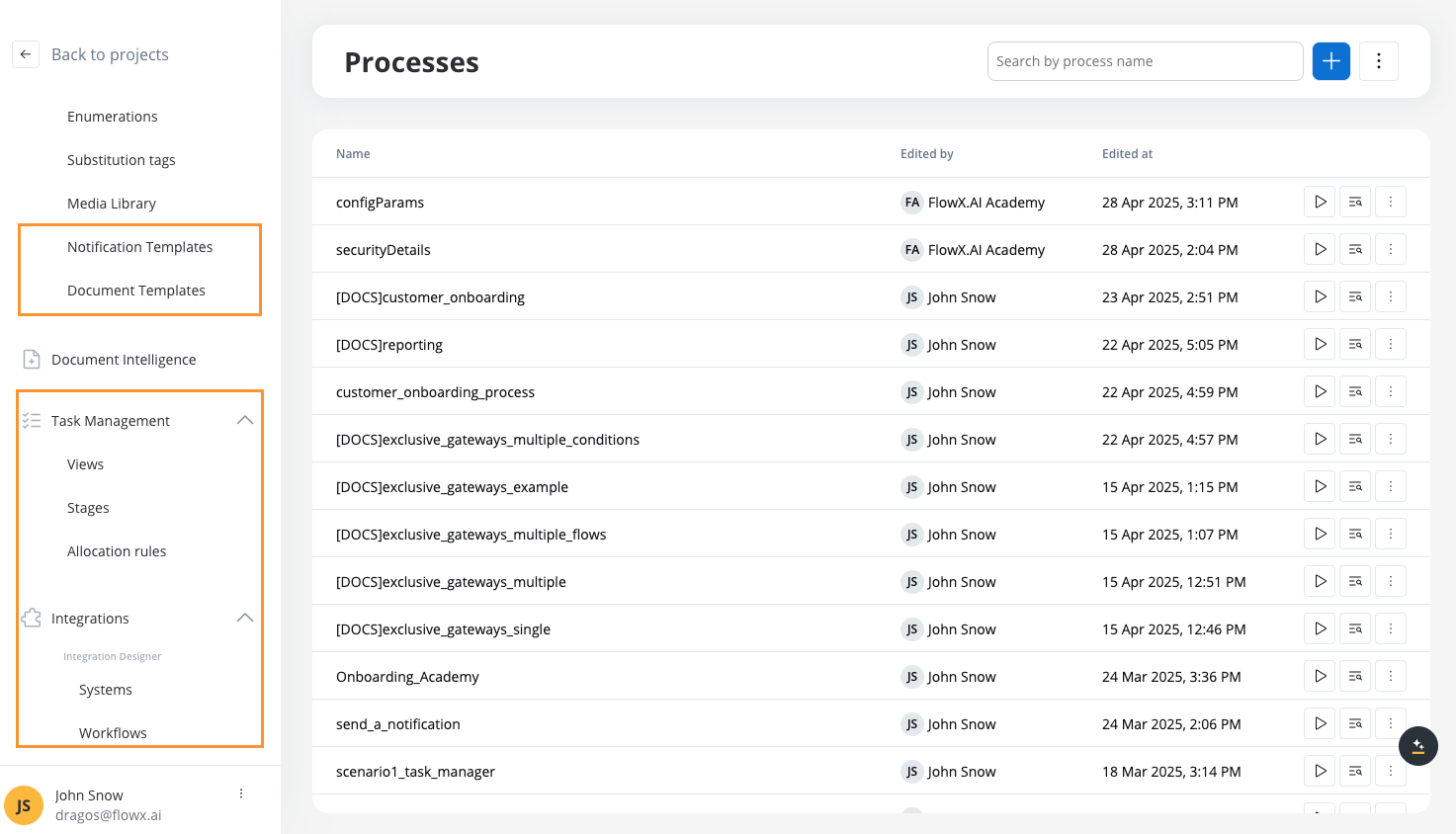
- Plugins & Integration
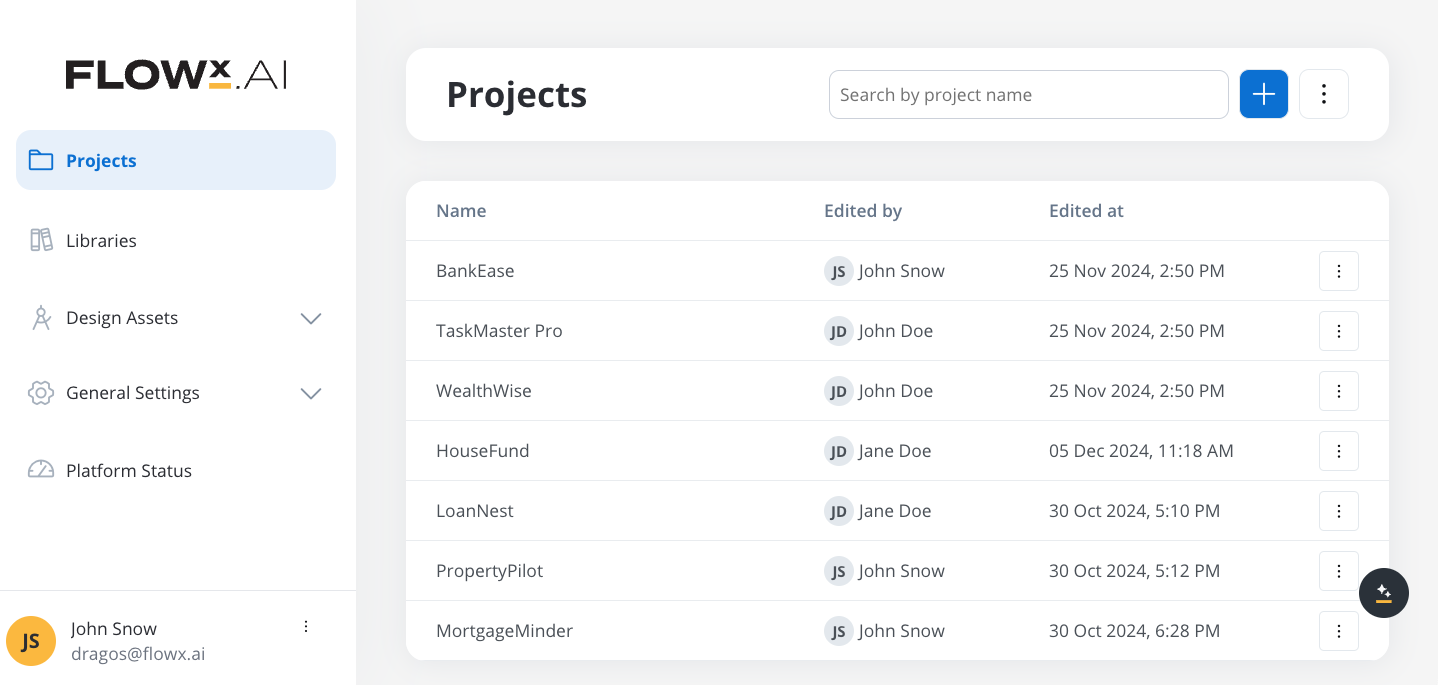
- Centralized resource management
- Version control with history tracking
- Build deployment across environments
- Collaborative workflows with simultaneous editing
- Modular organization of processes and assets
Key features & capabilities
Project & Library Management
Create and manage comprehensive workspaces with centralized resources, version control, and modular components that enable efficient collaboration.
Process Design & Monitoring
Design, debug, and monitor processes using BPMN 2.0 standards with powerful tracking and performance analytics.
Content Management
Manage enumerations, substitution tags, languages, media, fonts, and themes with comprehensive organization tools.
UI Design
Create intuitive interfaces with an advanced navigator, component library, and flexible styling options.
Plugin Ecosystem
Extend functionality with task management, notification, and document generation plugins for comprehensive solutions.
Integration Tools
Configure and monitor integrations between the FlowX Engine, plugins, and external systems with visual mapping tools.
Platform Monitoring
Track system health, component versions, and performance metrics with comprehensive monitoring tools.
AI Assistance
Accelerate development with AI-powered suggestions, optimization recommendations, and contextual help.
Depending on your access rights, some features and tabs might not be visible. For more information, check Configuring access rights for Admin section.
Detailed component overview
Projects & Libraries
Projects & Libraries
- Projects
- Libraries
A project groups resources that represent a project’s entire lifecycle. It’s not just a collection of processes; it’s an organized workspace containing all dependencies required for that project. It enables:
- Centralized resource management
- Version control with history tracking
- Build deployment across environments
- Collaborative workflows with simultaneous editing
- Modular organization of processes and assets
Learn More About Projects
Process Management
Process Management
- Process Definitions
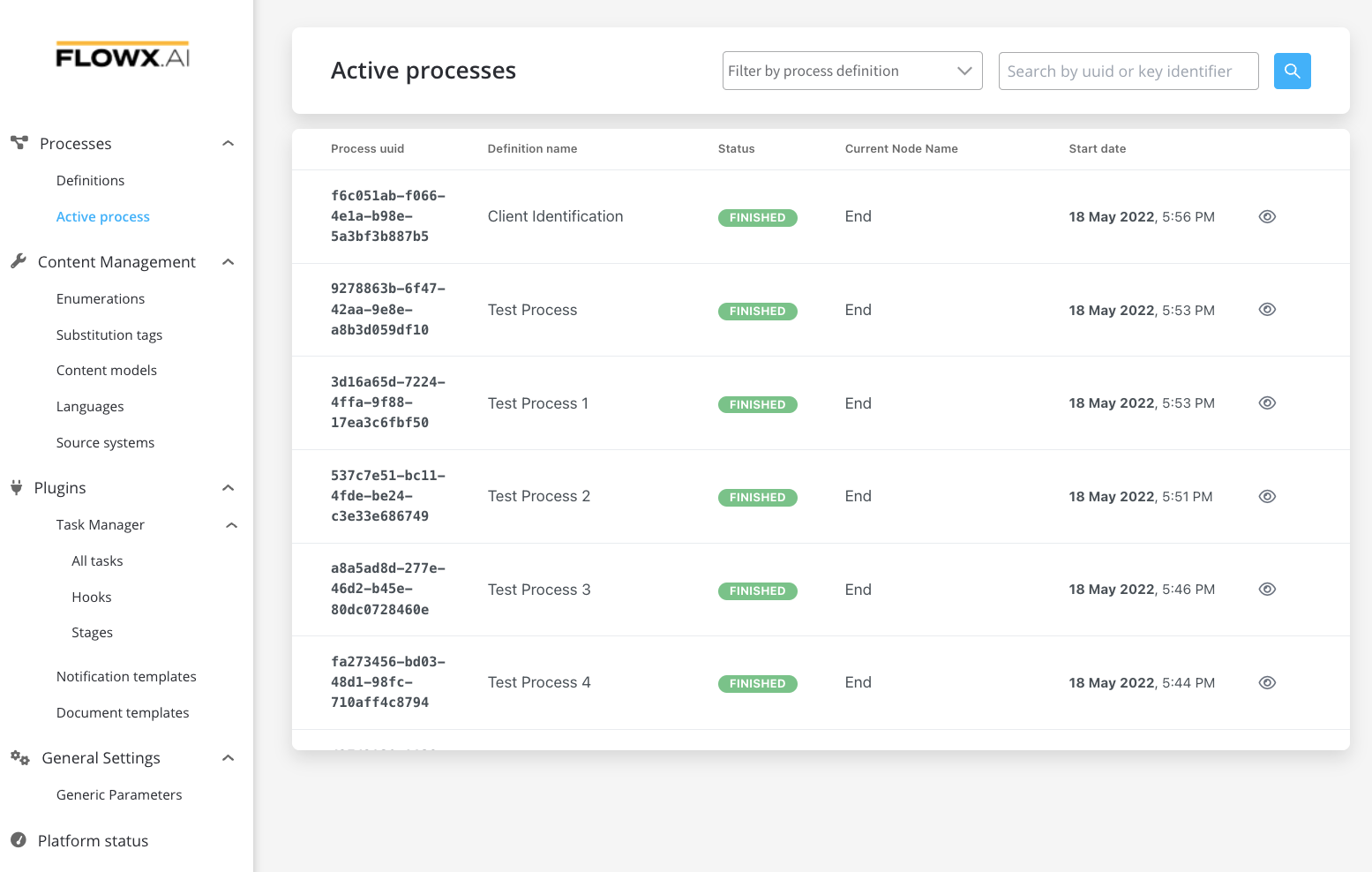
- Active Processes
A process definition is uniquely identified by its name and version number. The process designer provides: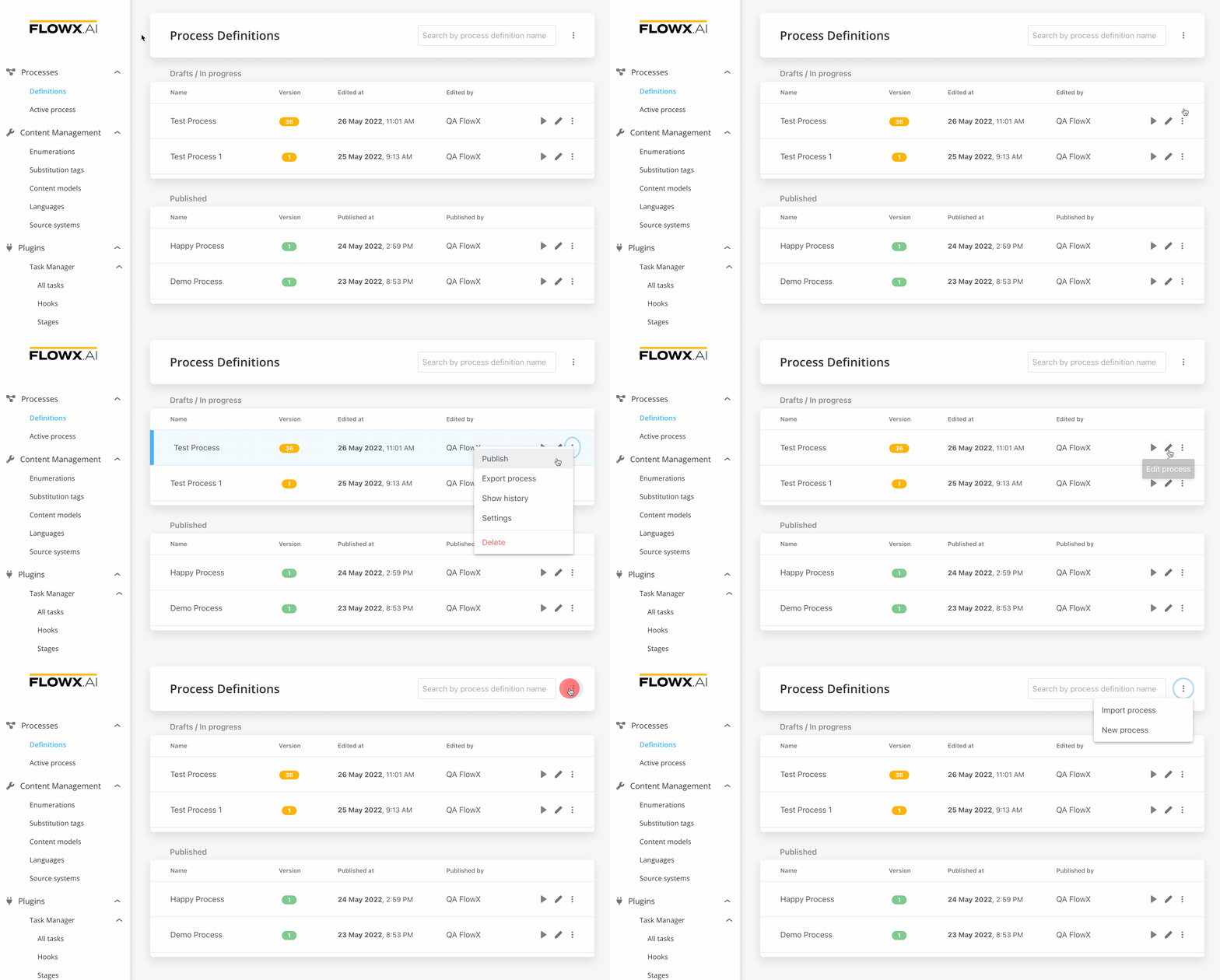
- Process definition management
- Versioning history with comparison capabilities
- Debugging tools for process execution
- Version comparison for change identification
- BPMN 2.0 standard compliance
Process Definition
Managing a Process Flow
Content Management
Content Management
Data & Localization
1
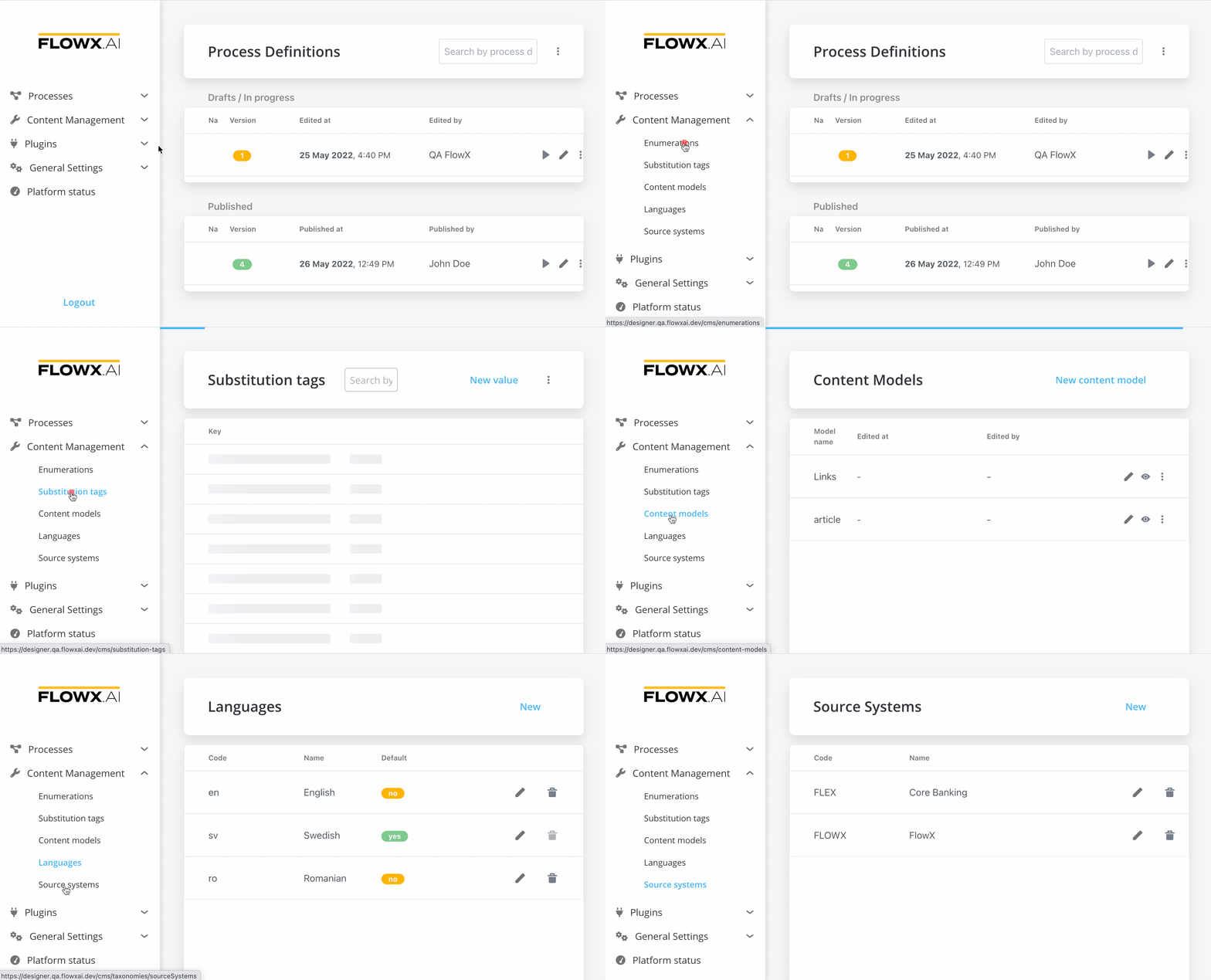
Enumerations
Manage static value definitions that can be used in UI components or templates with bulk import/export capabilities.
2
Substitution Tags
Generate dynamic content across the platform with context-aware tag suggestions for localization.
3
Languages
Configure language-specific enumeration values with comprehensive character set support.
4
Source Systems
Connect to multiple data sources for enumeration values with third-party system integration.
Media & Styling
1
Media Library
Centrally manage various media files with metadata tagging and optimization capabilities.
2
Font Management
Upload and manage font files including variable fonts with subset creation for performance.
3
Themes
Personalize application appearance with atomic design principles and multi-device previewing.
You need to deploy the CMS service in your infrastructure before you can start defining and using custom content types.
Headless CMS
CMS Setup Guide
Plugins
Plugins
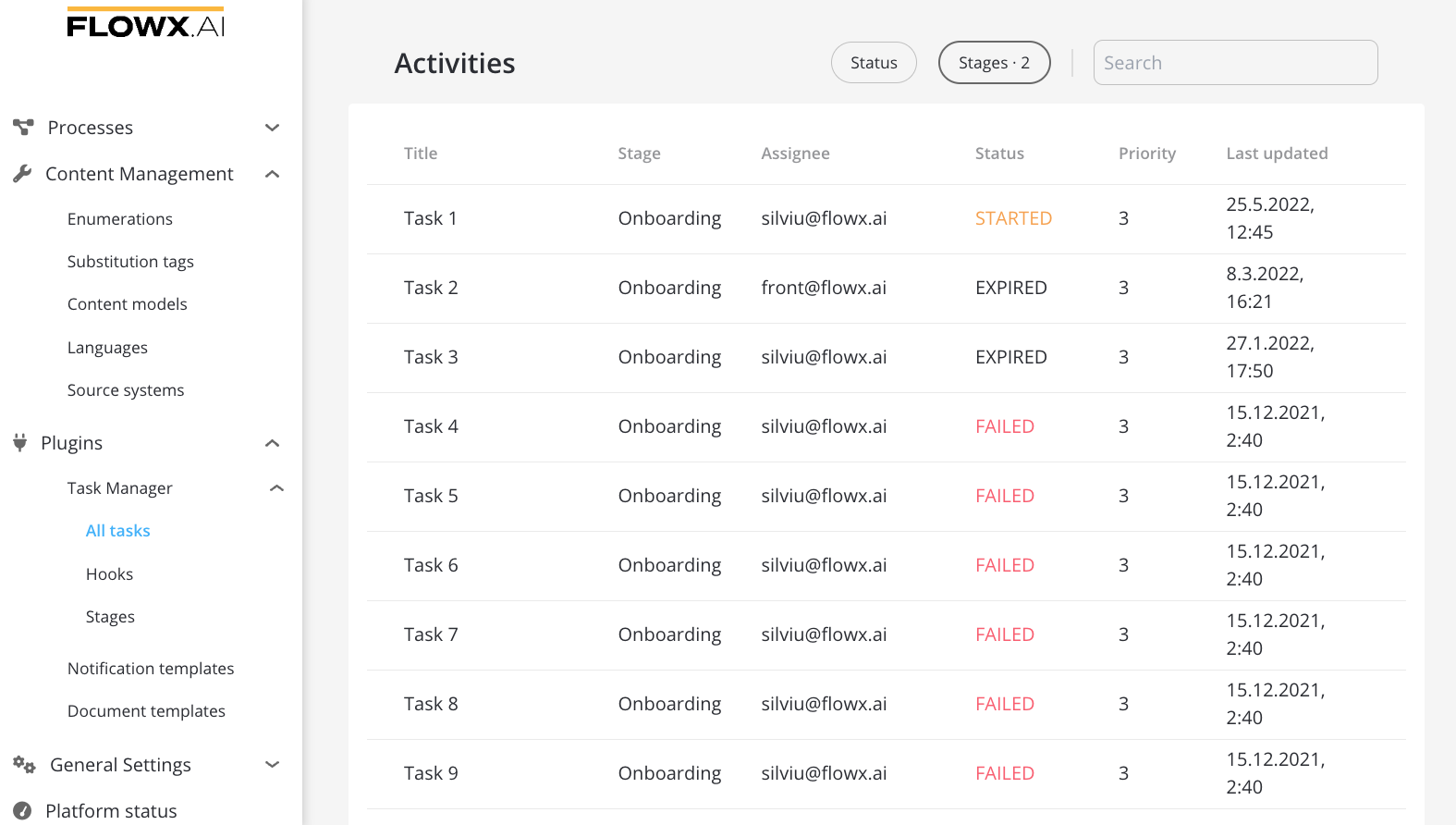
Task Management
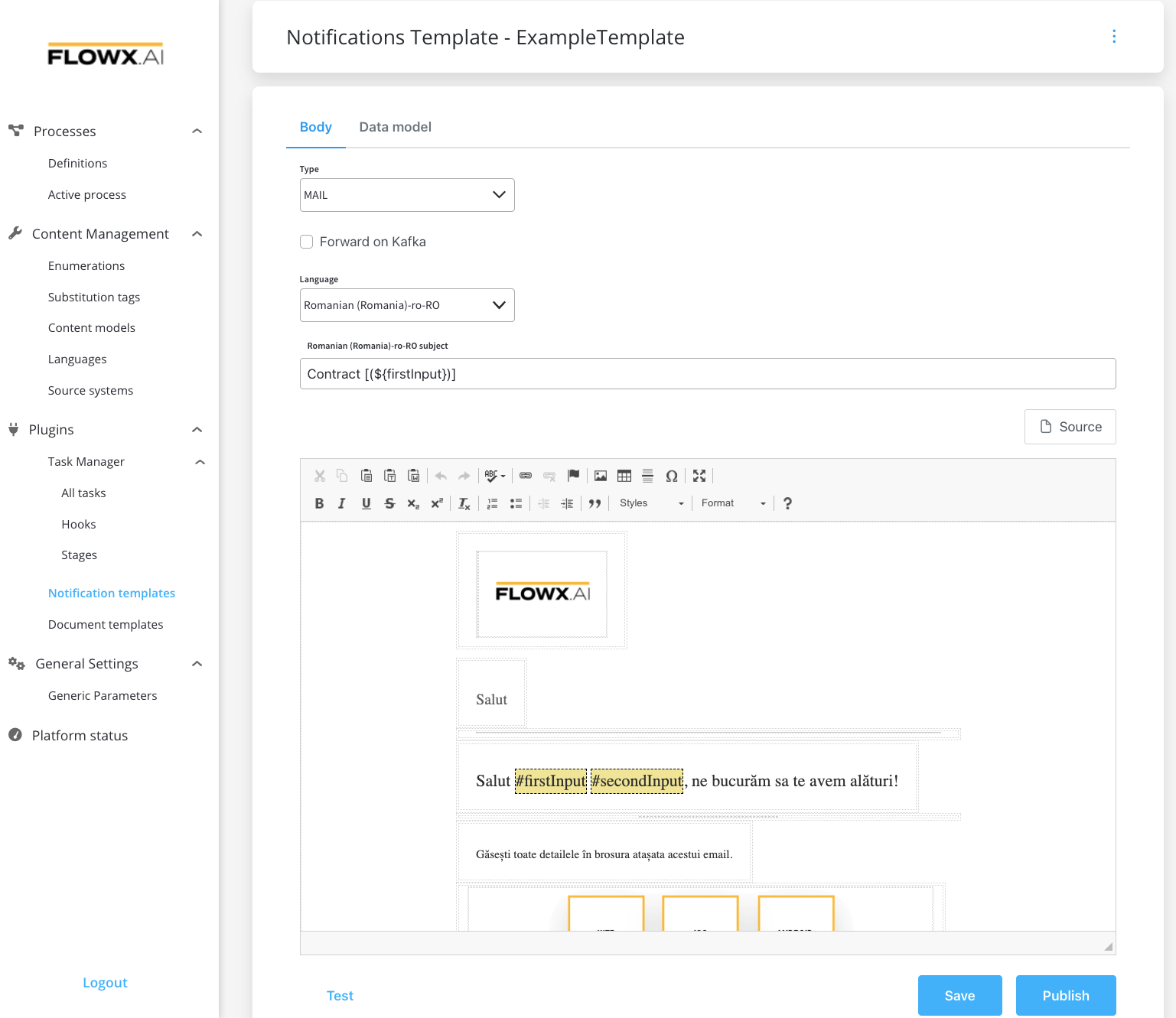
Notification Templates
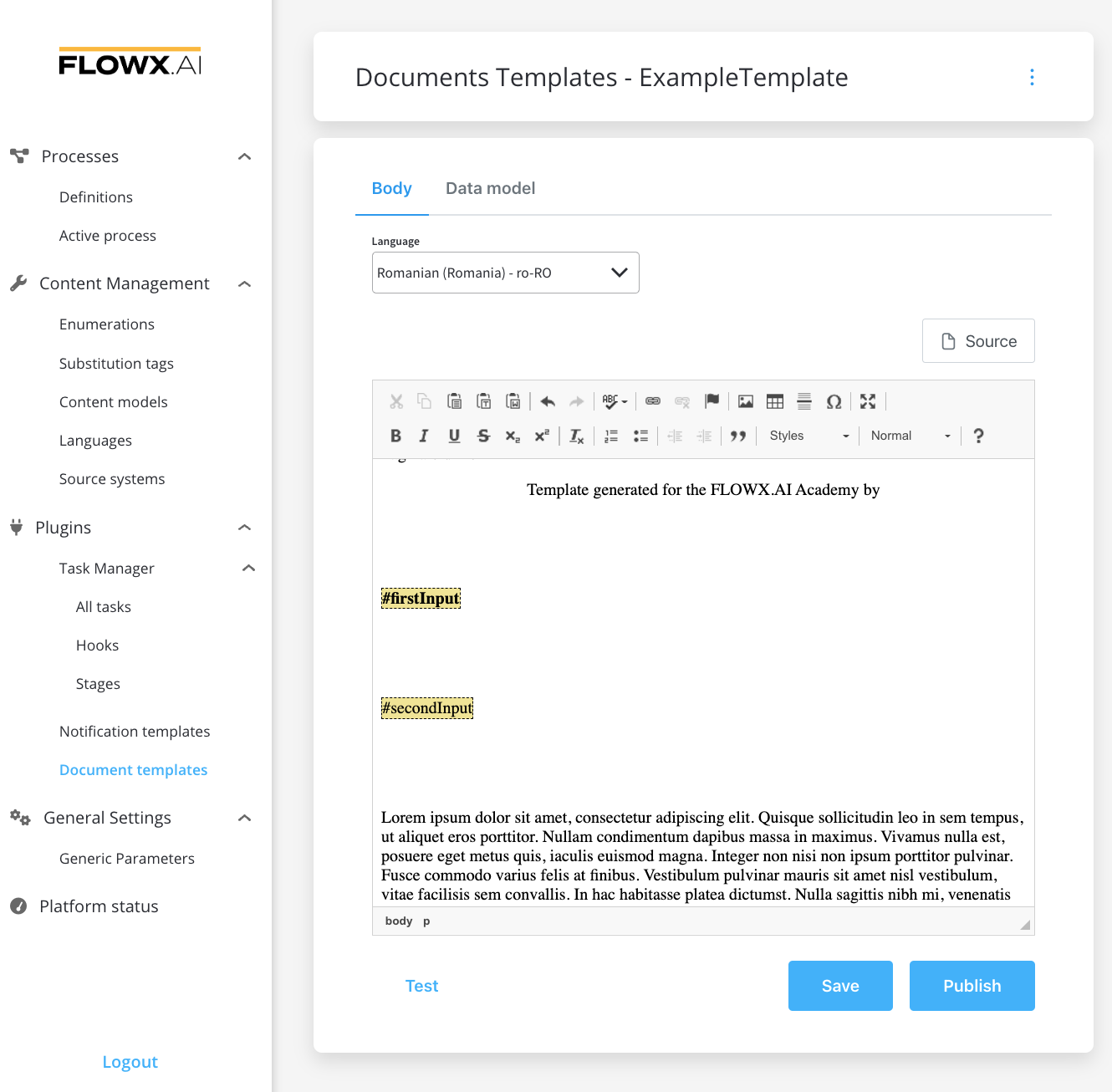
Document Templates
System Settings
System Settings
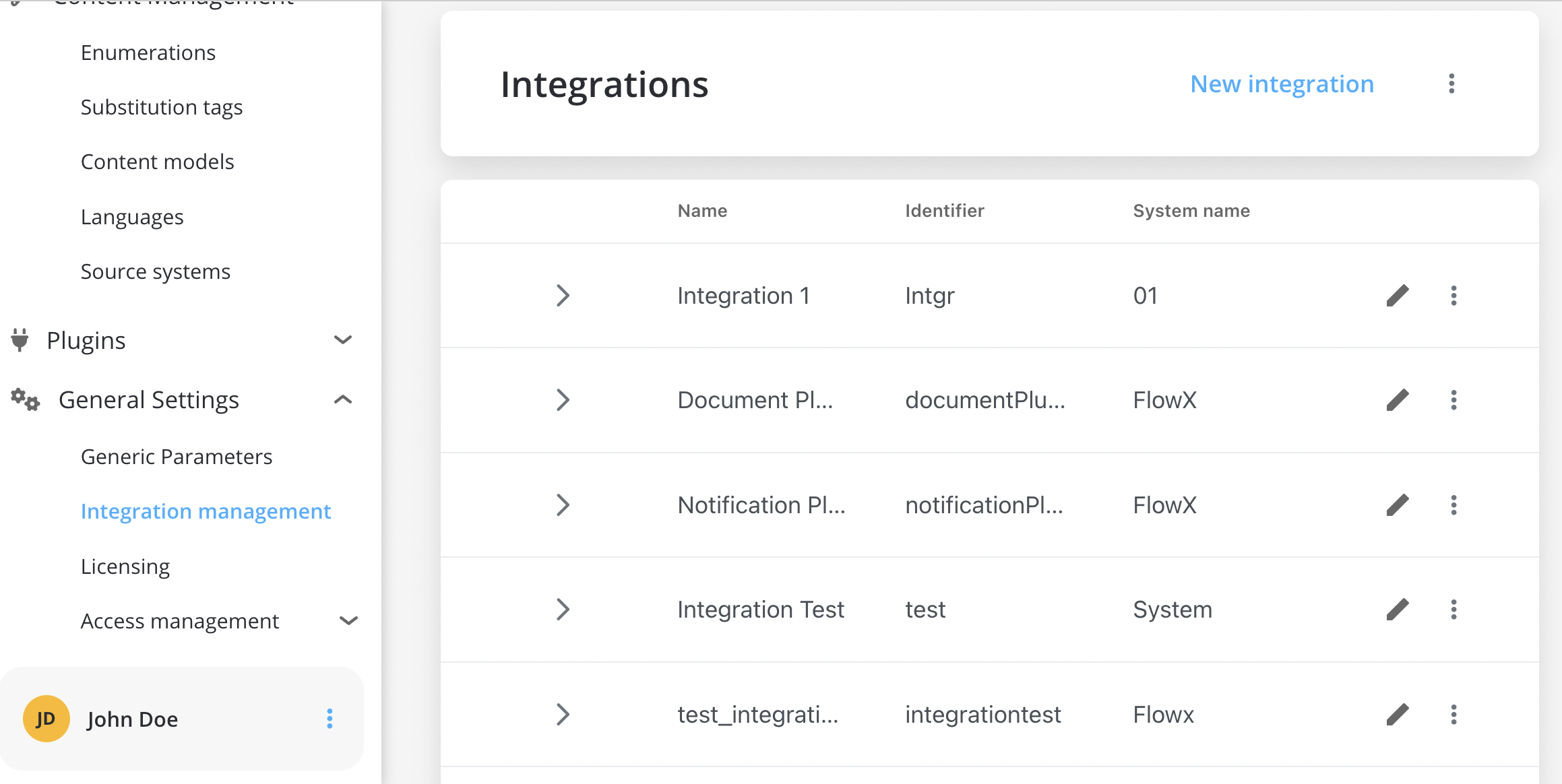
- Configuration Parameters
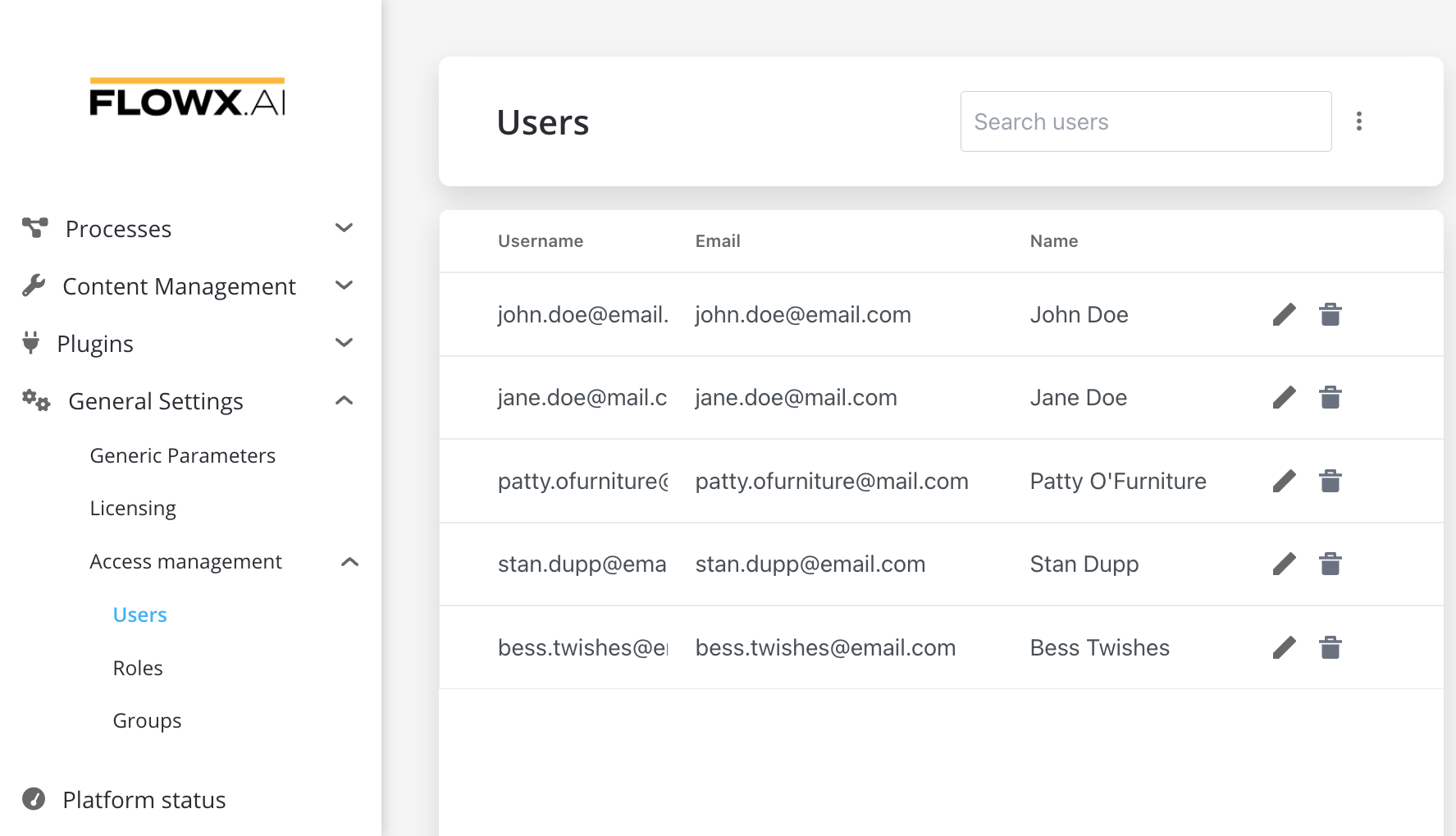
- Access Management
- Integration Management
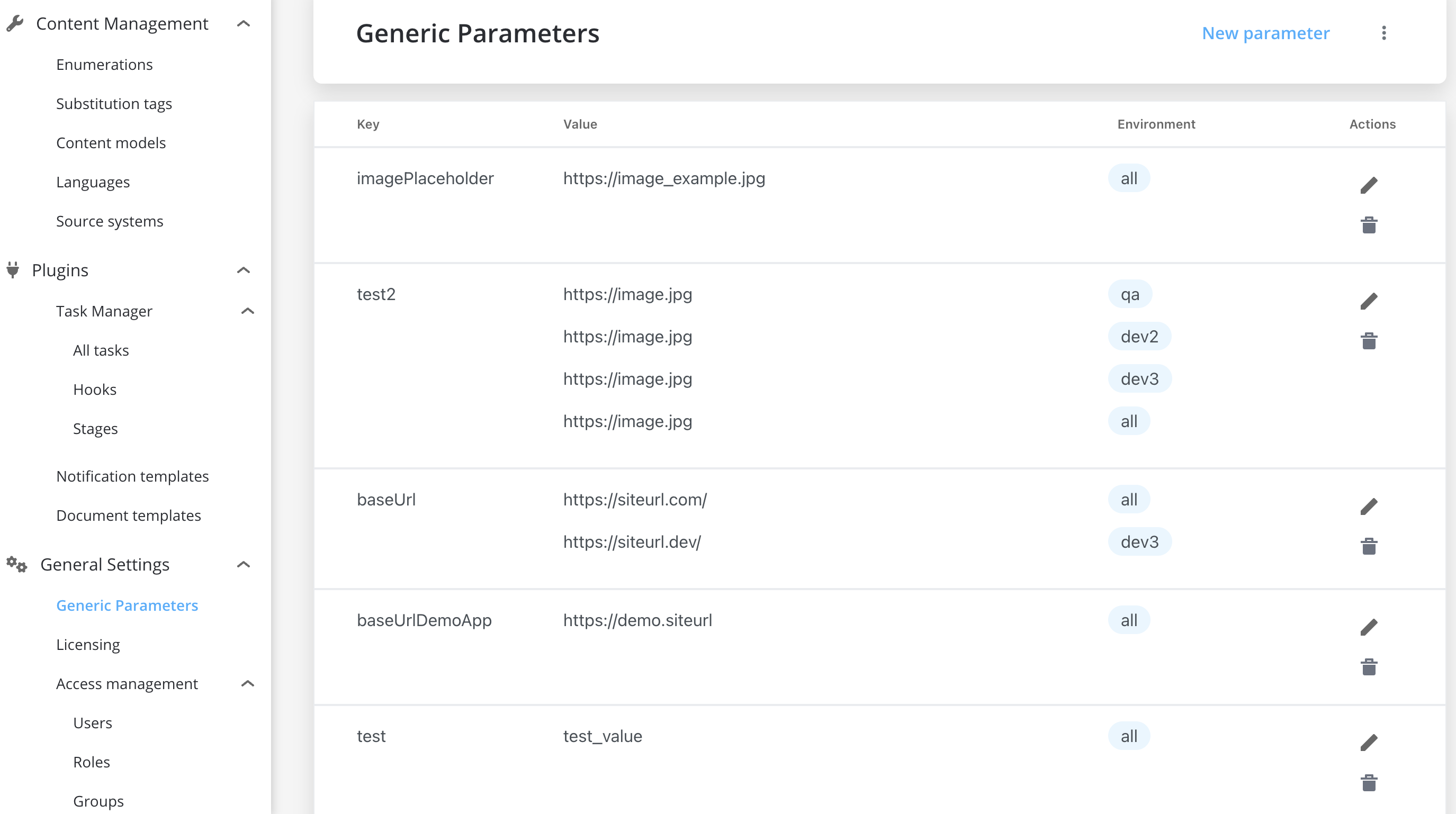
- Key-value parameter definition
- Environment-specific value configuration
- Parameter grouping and categorization
- Environment comparison tools
- Import/export capabilities
Platform Status
Platform Status
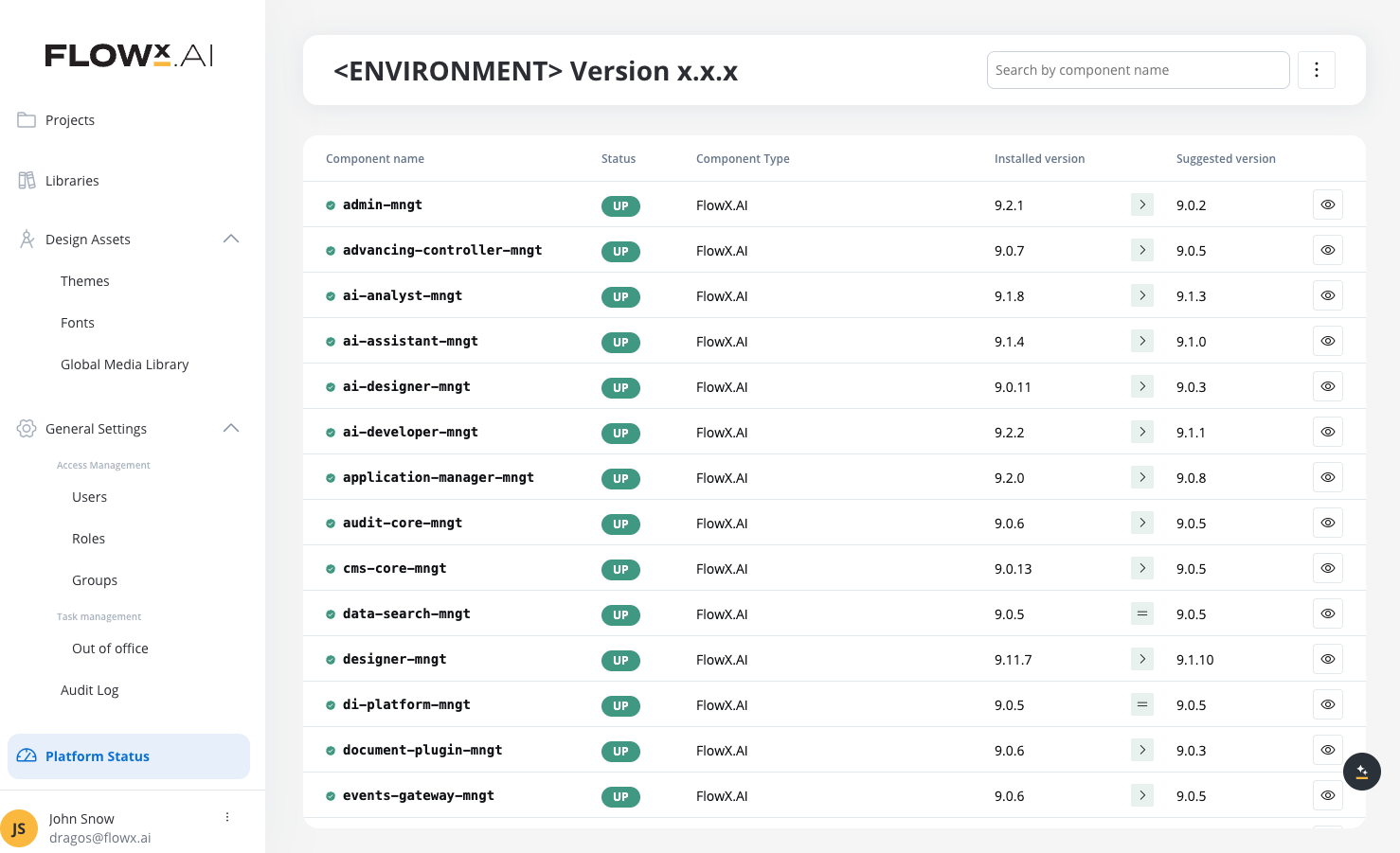
- Health status monitoring
- Component version checking
- Performance metrics and resource utilization statistics
- System alerts
- Historical data for trend analysis
UI Designer
UI Designer
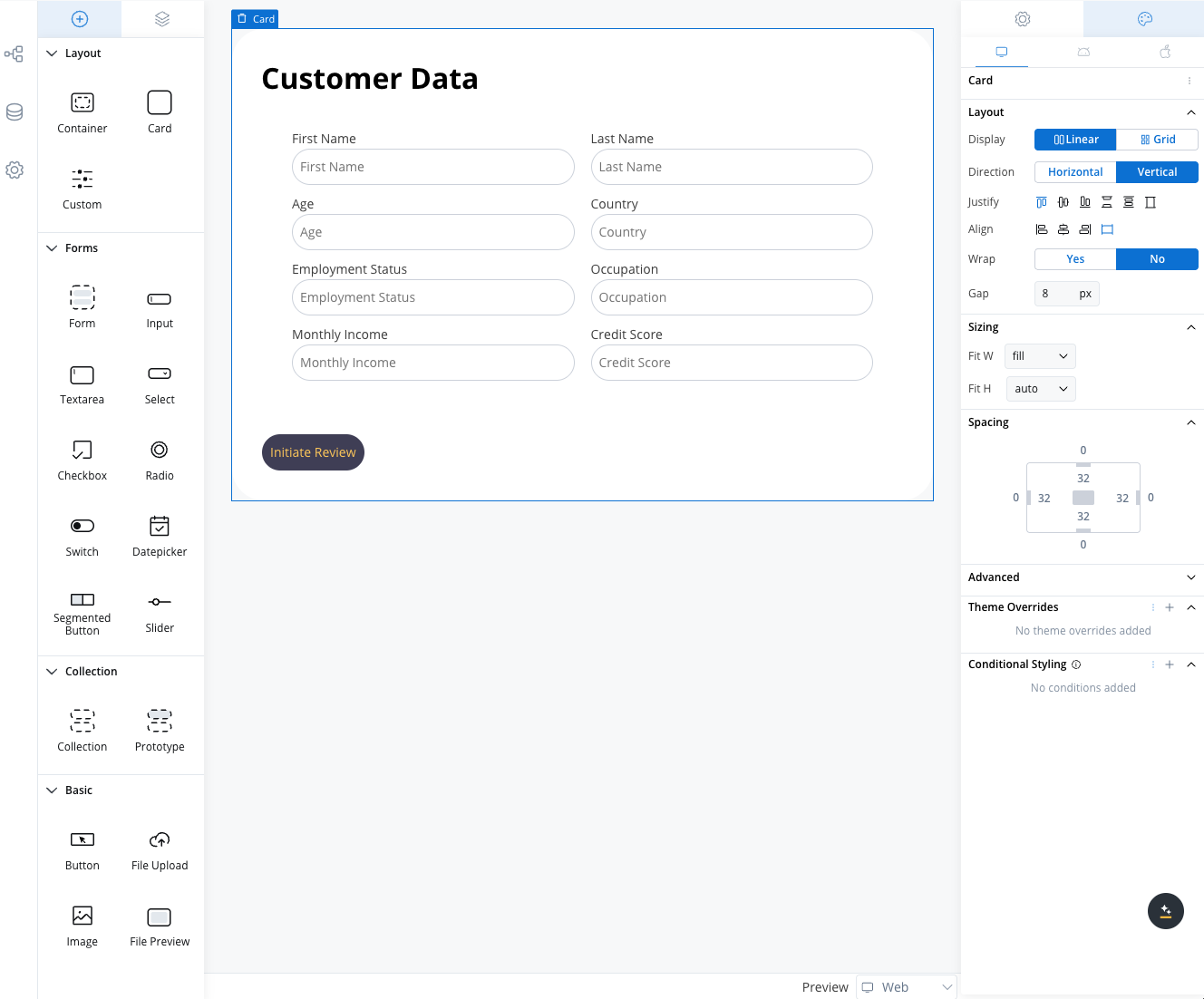
- Enhanced UI layer panel for intuitive design element management
- Improved drag and drop functionality for precise component placement
- Flexible root component management for form groups and containers
- Clear component hierarchy visualization with navigation controls
- Rich component library with customization options
- Integration with themes and styling capabilities
UI Designer Documentation
Learn more about UI Designer capabilities and components
Next steps
Managing a Process Flow
Learn how to create and manage a process from scratch