Message events serve as a means to incorporate messaging capabilities into business process modeling. These events are specifically designed to capture the interaction between different process participants by referencing messages.
Message events let processes communicate with each other: a process throws a message and another process, or another part of the same process, catches it, either advancing a waiting flow or starting a new instance.
By leveraging message events, processes can pause their execution until the expected messages are received, enabling effective coordination and communication between various system components.
A Message Intermediate Event serves to send or receive messages. A filled marker denotes a “throw” event, while an unfilled marker indicates a “catch” event. This either advances the process or alters the flow for exception handling. Identifying the Participant is done by connecting the Event to a Participant through a Message Flow.
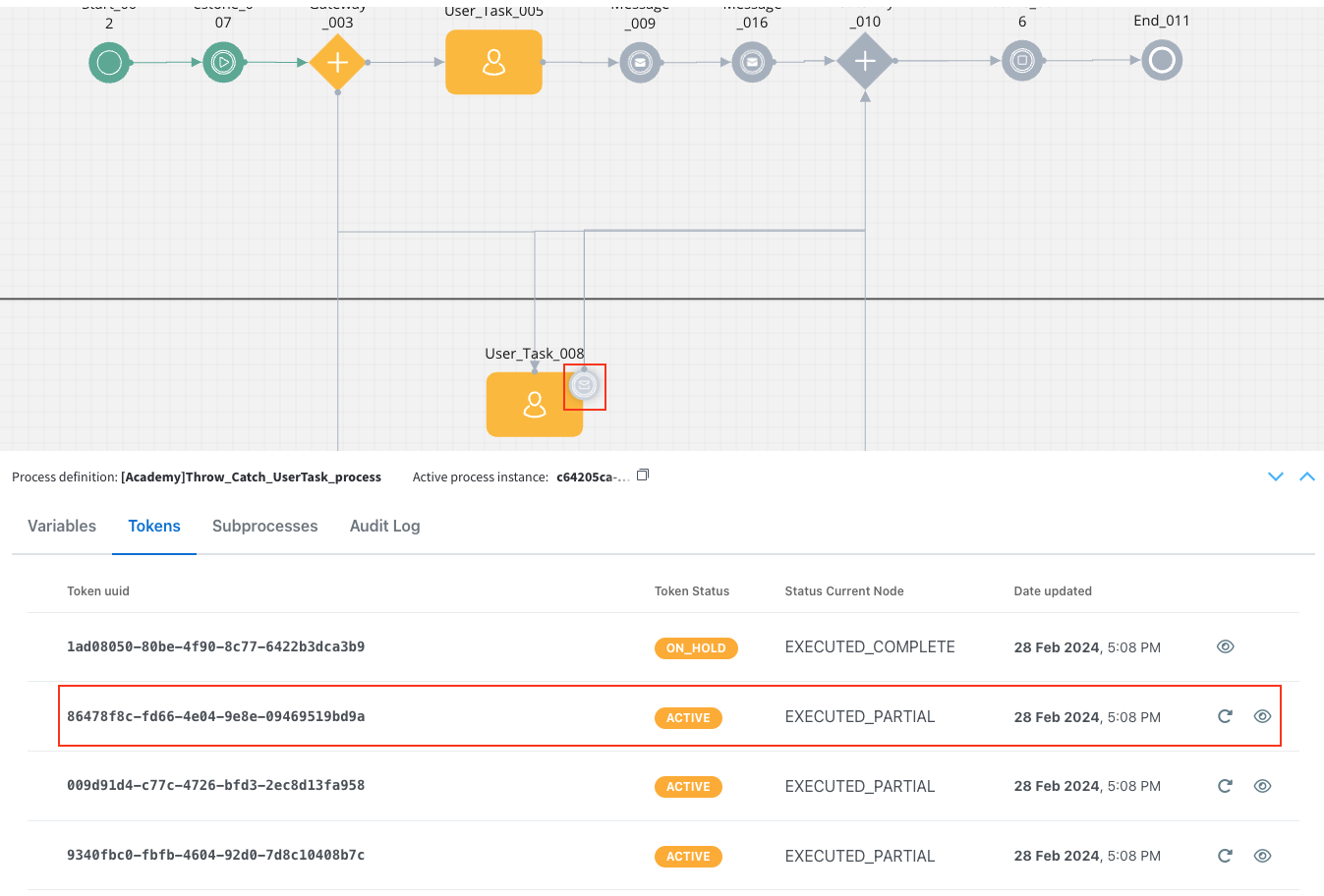
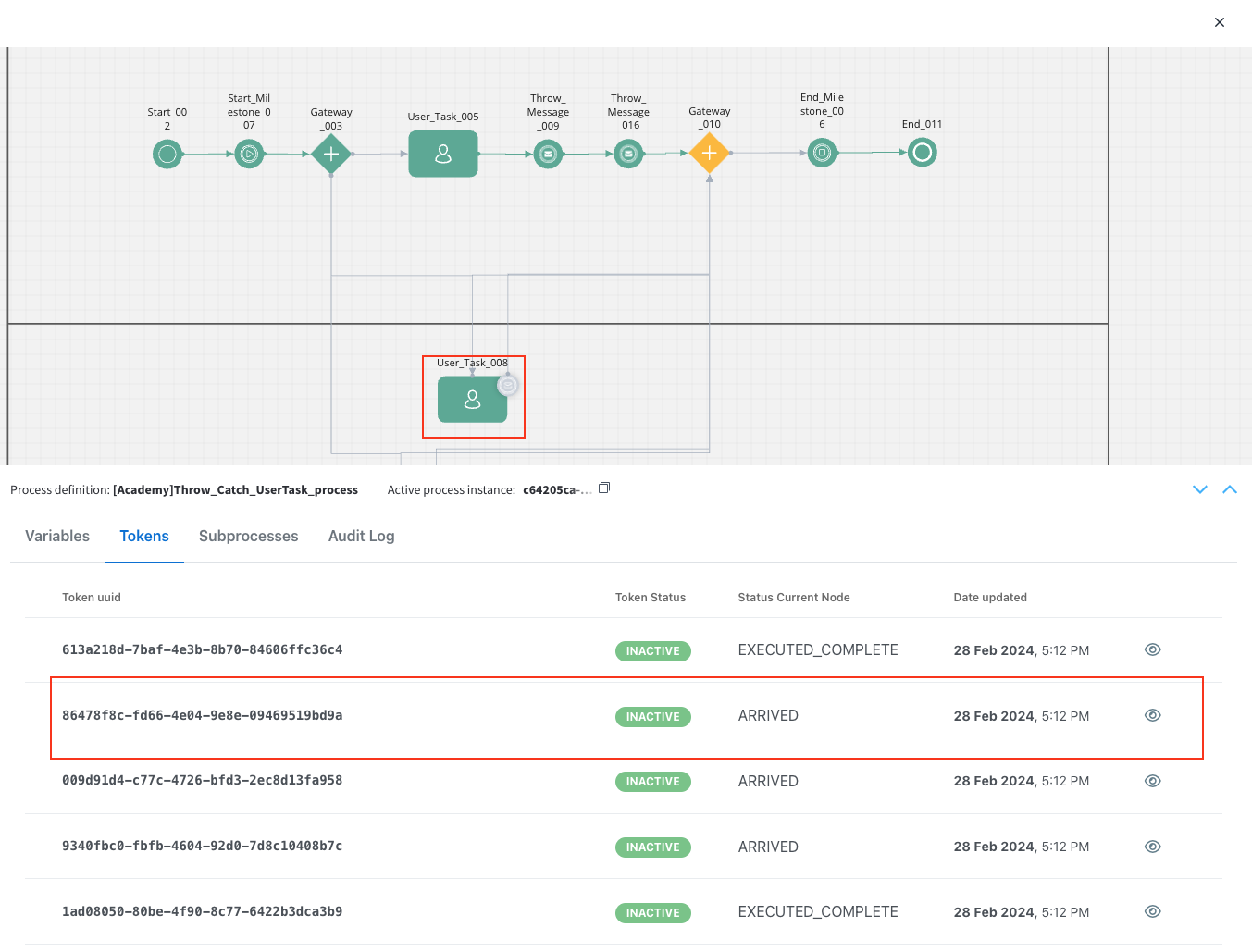
Boundary Events involve handling by first consuming the event occurrence. Message Catch Boundary Events, triggered by incoming messages, can be configured as either interrupting or non-interrupting.
Trigger
Description
Marker
Message
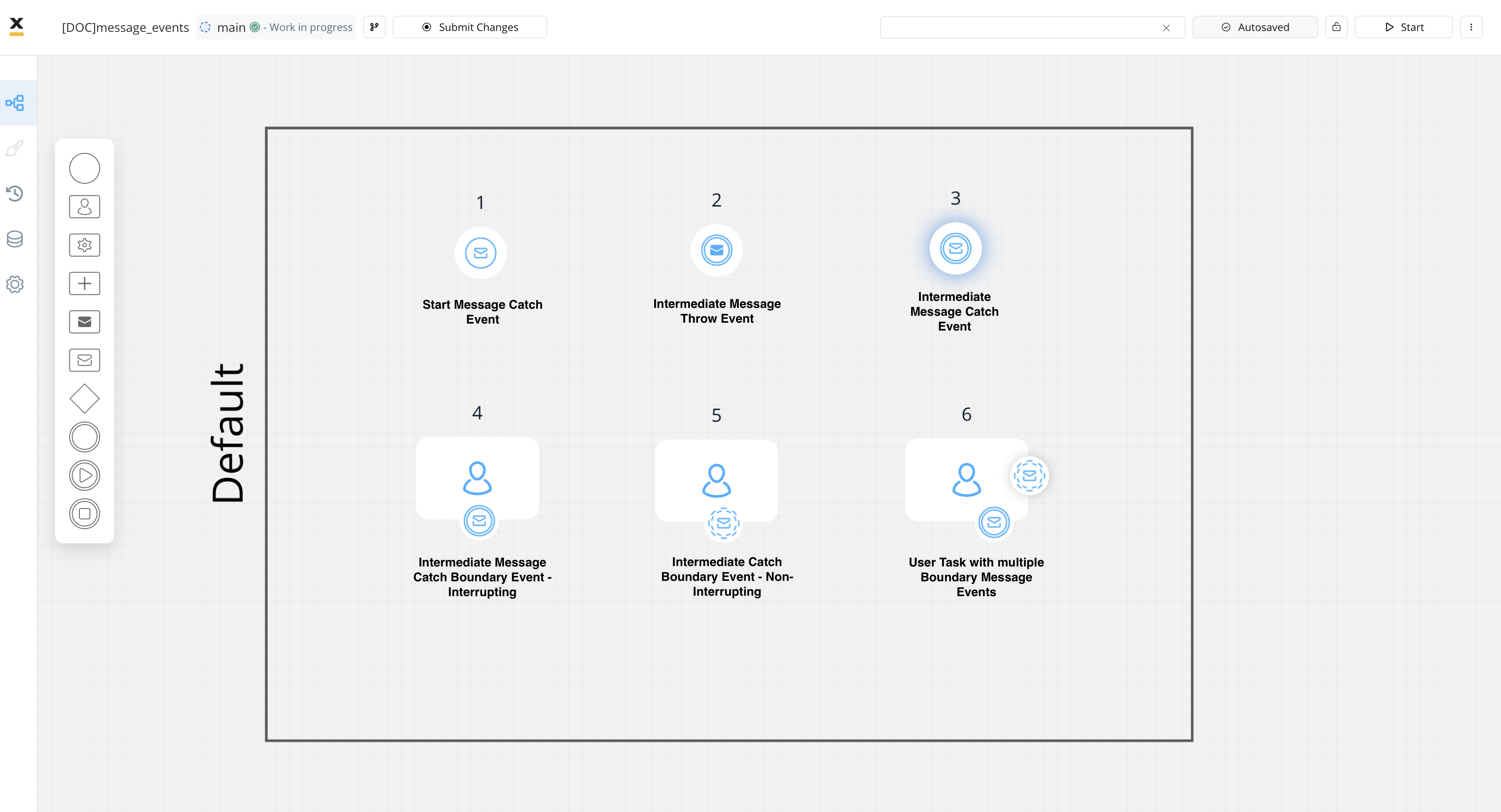
Non-interrupting Message Catch Event: The event can be triggered at any time while the associated task is being performed.
Non-interrupting
Trigger
Description
Marker
Message
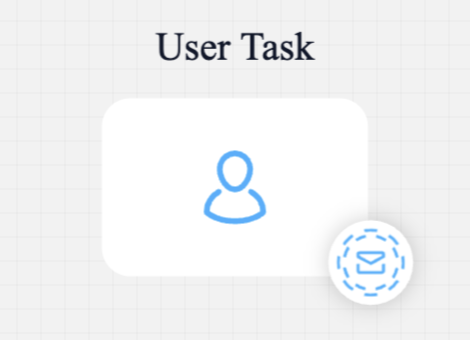
Interrupting Message Catch Event: The event can be triggered at any time while the associated task is being performed, interrupting the task.
Messages are not sent directly to process instances. Instead, message correlation is achieved through two properties that must match between the throw and catch events:
Message name — configured via the “Correlate with catch/throwing events” dropdown, must be identical on both sides
Correlation value — the runtime value extracted from the correlation key expression
A correlation key is an expression that resolves to a value at runtime. The engine extracts this value from the process instance and uses it to match throw and catch events. It is not the key name that matters, but the value it resolves to.For example, if two sibling subprocesses both use parentProcessInstanceId as their correlation key, the engine extracts the parent’s ID from each — since both share the same parent, the values match and the message is delivered.
The correlation key expression is evaluated against two sources, checked in order:
Instance metadata — system properties automatically set by the engine:
Key
Description
Available on
processInstanceId
Numeric ID of the current process instance
All instances
processInstanceUuid
UUID of the current process instance
All instances
parentProcessInstanceId
Numeric ID of the parent process
Subprocesses only
parentProcessInstanceUuid
UUID of the parent process
Subprocesses only
Process variables (paramValues) — any custom variable stored in the process data model (e.g., orderId, applicationId, customer.ssn)
For communication between sibling subprocesses (subprocess → subprocess), use parentProcessInstanceId since both siblings share the same parent. Alternatively, pass a custom business key from the parent process to both subprocesses.
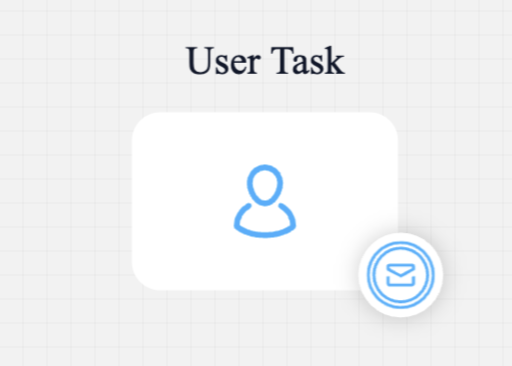
The catch event must be in a waiting state (its token must have arrived on the node) before the throw event fires. If the throw executes before the catch is ready, the message will not be delivered and correlation will fail.When using async subprocesses, ensure the subprocess containing the catch event has enough time to reach the catch node before the throw event is triggered in another subprocess.
The communication works as follows: you receive a message on a Kafka topic - ${kafka.topic.naming.prefix}.core.message.event.process${kafka.topic.naming.suffix}. The engine listens here and writes the response.
attachedTo: a property that applies to boundary events
messageName: a unique name at the database level, must be the same for throw and catch events (configured via the “Correlate with” dropdown in the Designer)
correlationKey: an expression that resolves to a value used to match the throw event with the correct catch event instance
data: allows defining the JSON message body mapping as output and input


 Catch
Catch 
 Boundary Non-Interrupting Events