

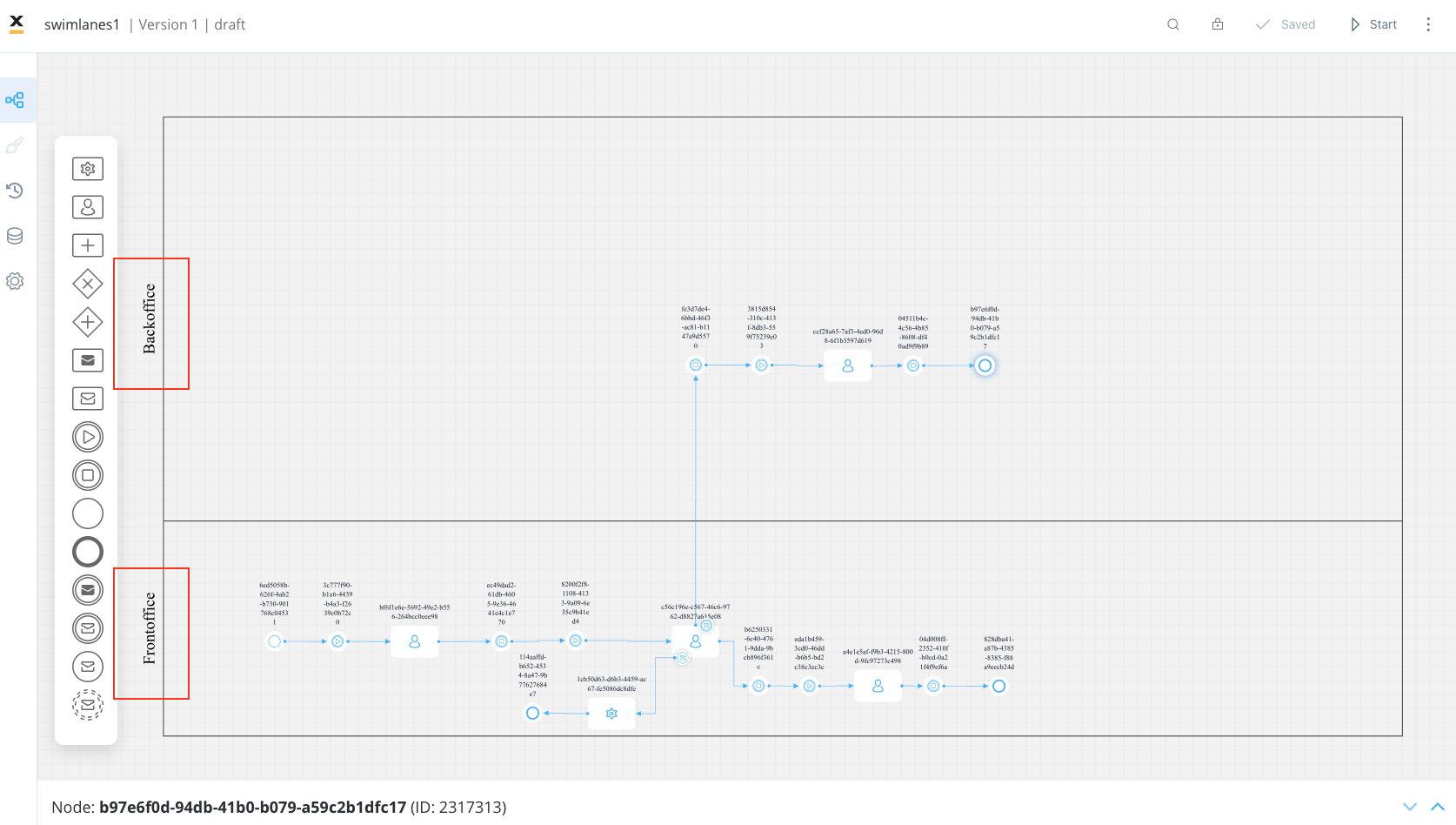
 Depending on the type of node added within a swimlane, only users with the corresponding swimlane roles will have the ability to initiate process instances, view process instances, and perform actions on them.
Scopes and roles for managing processes
Depending on the type of node added within a swimlane, only users with the corresponding swimlane roles will have the ability to initiate process instances, view process instances, and perform actions on them.
Scopes and roles for managing processes
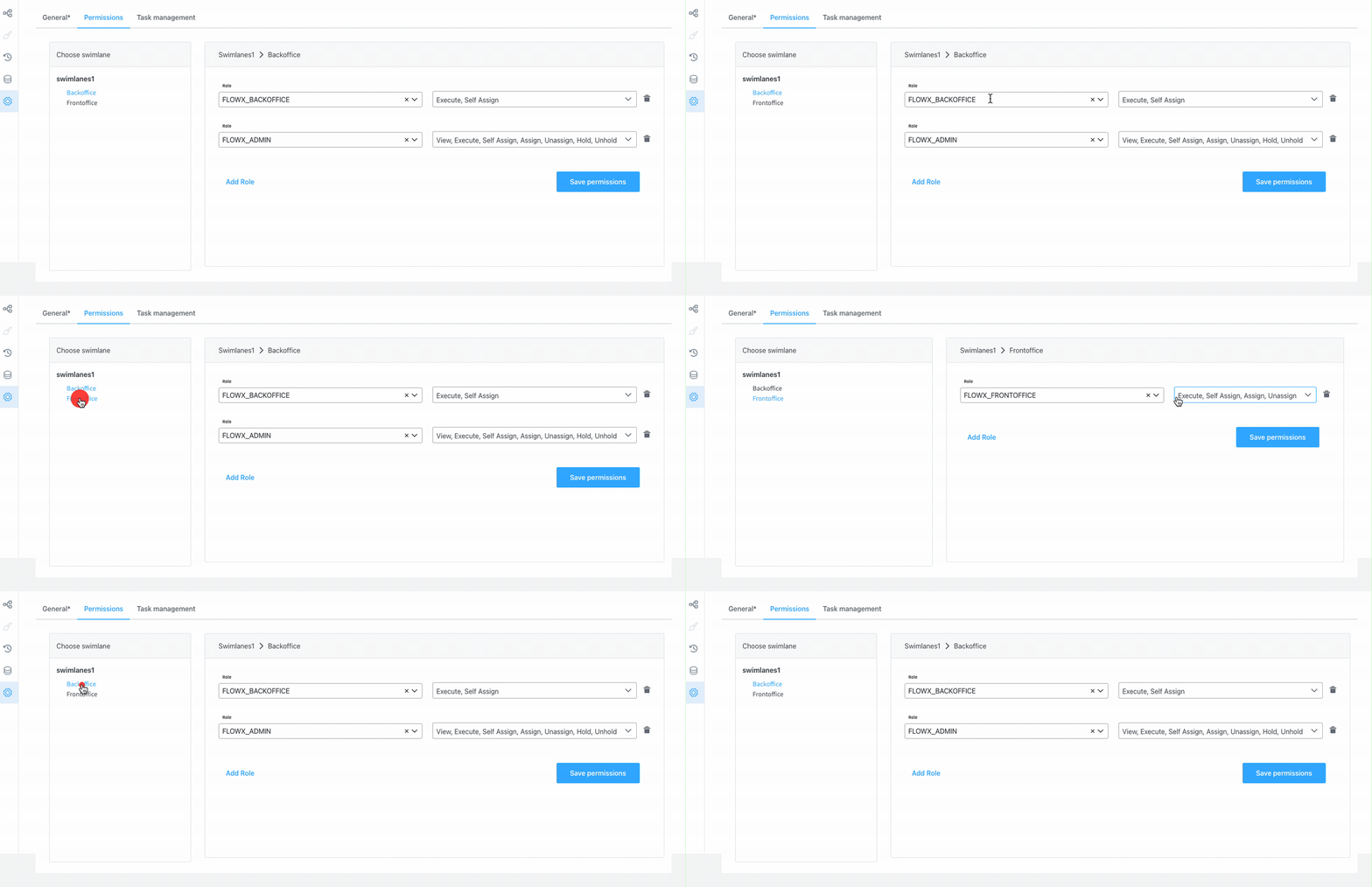 When creating a new process definition, a default swimlane will automatically be added.
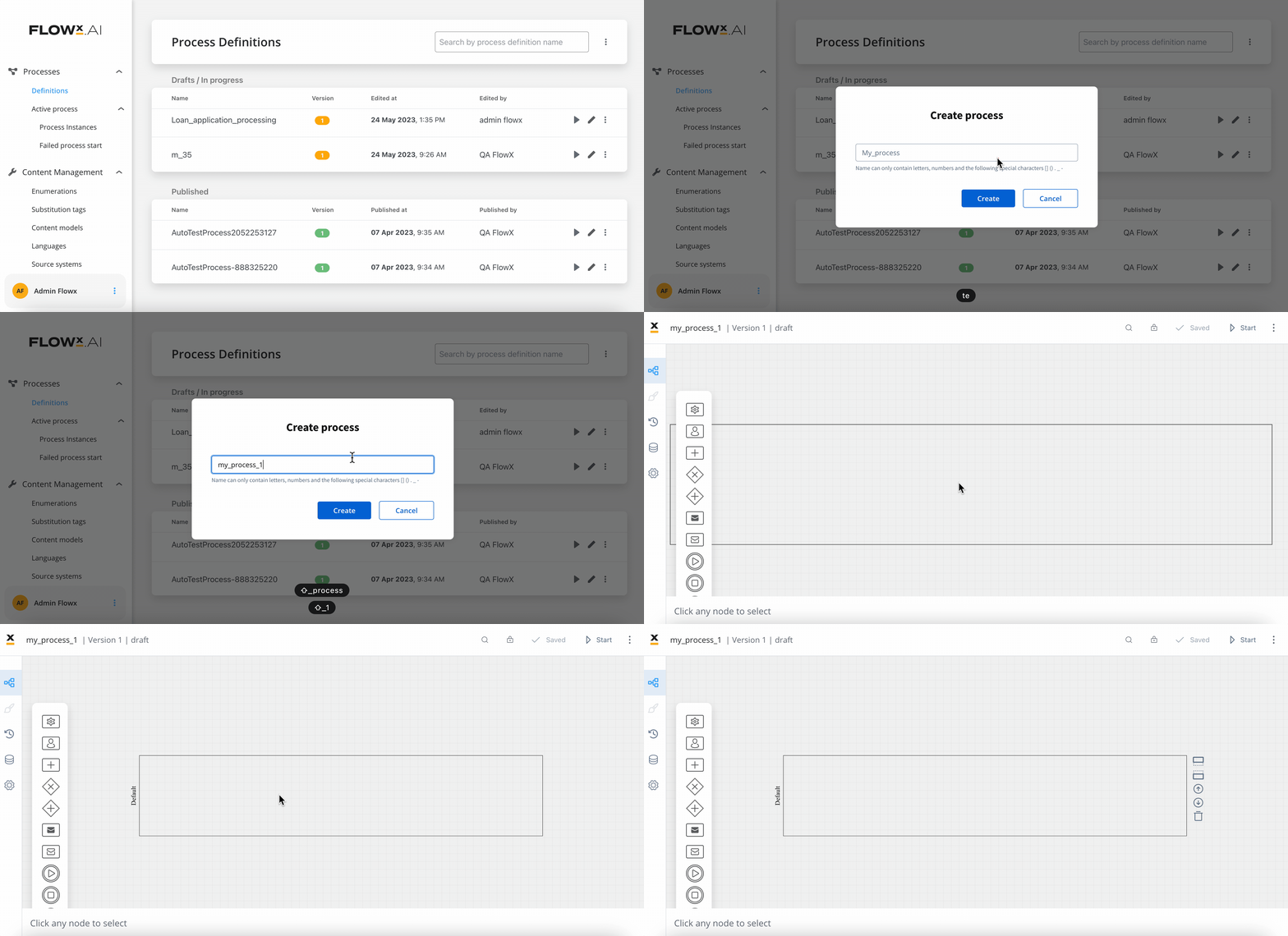 As the token moves from one node to the next, it may transition between swimlanes. If a user interacting with the process instance no longer has access to the new swimlane, they will observe the process in read-only mode and will be unable to interact with it until the token returns to a swimlane they have access to.
Users will receive notifications when they can no longer interact with the process or when they can resume actions on it.
As the token moves from one node to the next, it may transition between swimlanes. If a user interacting with the process instance no longer has access to the new swimlane, they will observe the process in read-only mode and will be unable to interact with it until the token returns to a swimlane they have access to.
Users will receive notifications when they can no longer interact with the process or when they can resume actions on it.
Related resources
Permission-based expressions
Control UI element visibility and interaction based on user roles
Access roles configuration
Set up scopes and roles for managing processes
From Zero to Build course
End-to-end project build course covering swimlanes, permissions, and all major platform features