

 For more information about supported scripting languages, see the next section:
Supported scripts
Configuration
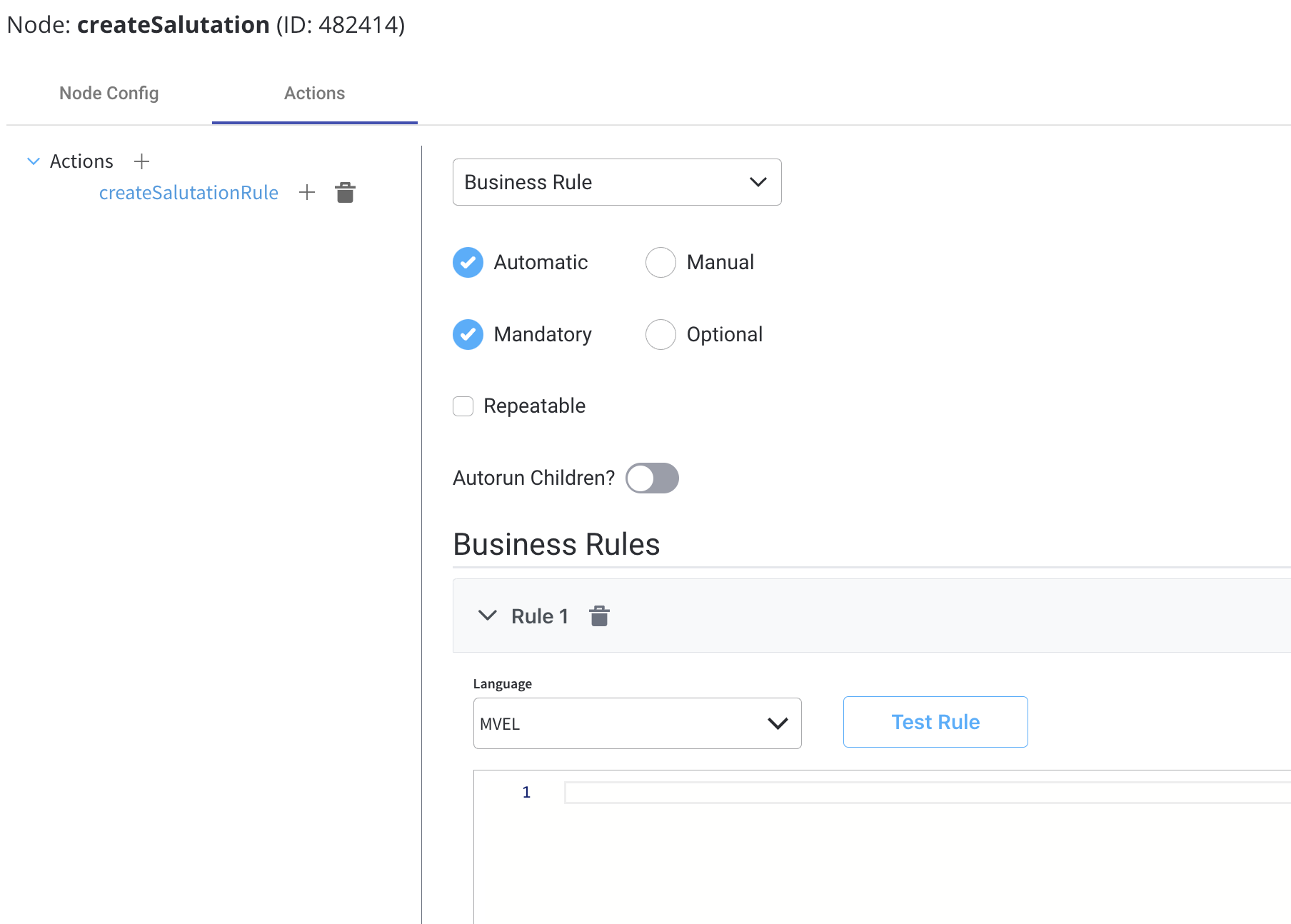
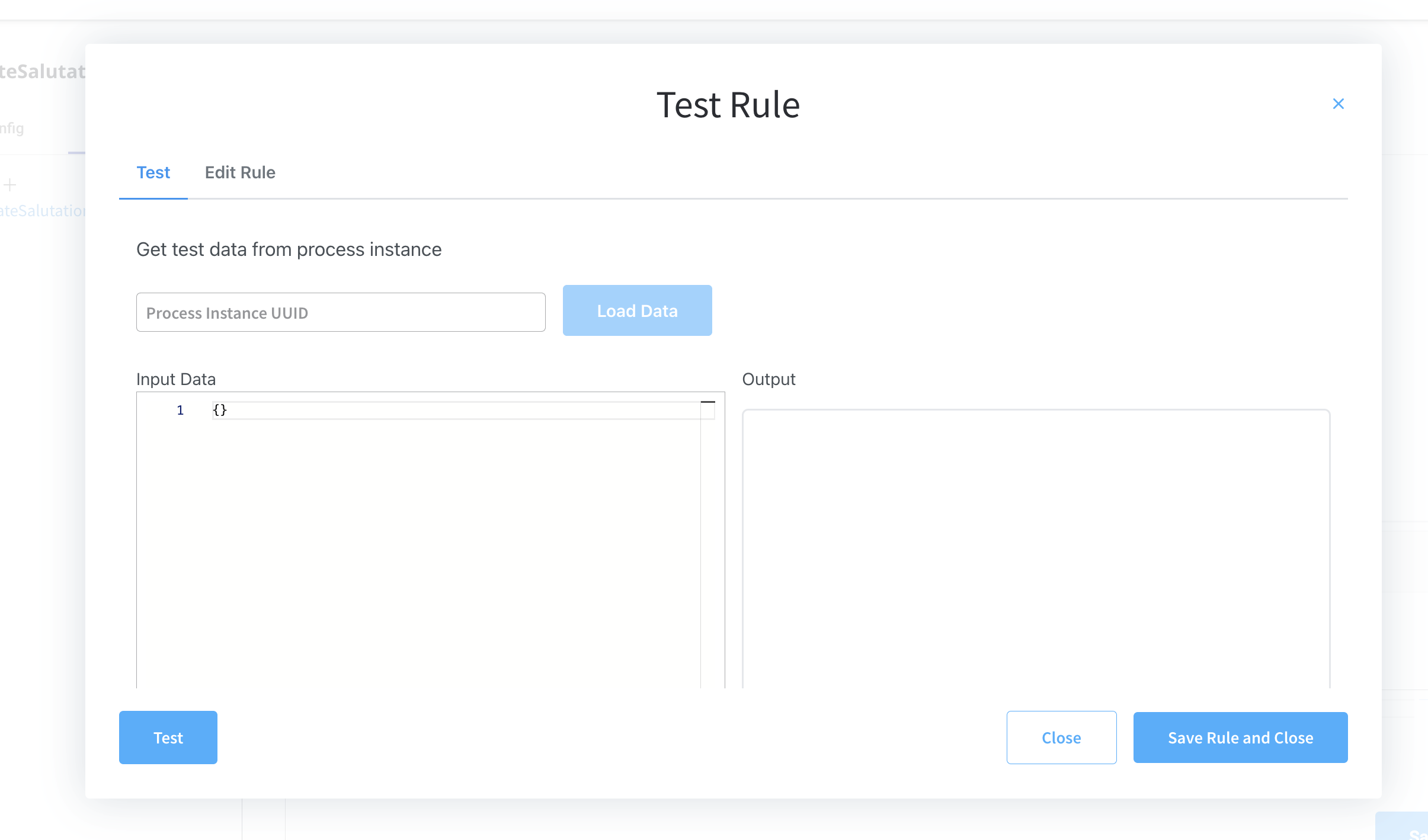
To use a Business Rules Action, follow these steps:- Select a BPMN Task Node: Choose the BPMN task node to which you want to attach the Business Rules Action. This could be a Service Task, User Task, or another task type that supports actions.
- Define the Action: In the task node properties, configure the “Business Rules Action” field and select the desired language (MVEL, Java, JavaScript or Python).
- Write the Business Rule: In the selected language, write the business rule or decision logic. This rule should take input data, process it, and possibly generate an output or result.
- Input and Output Variables: Ensure that the task node can access the necessary input variables from the BPMN process context and store any output or result variables as needed.
- Execution: When the BPMN process reaches the task node, the attached Business Rules Action is executed, and the defined business rule is evaluated.
- Result: The result of the business rule execution may affect the flow of the BPMN process, update process variables, or trigger other actions based on the logic defined in the rule.
Script engine per rule
Available starting with FlowX.AI 5.9.1.
- Rules created before the move to native keep running on GraalVM, and the engine selector is available so you can switch them to native after testing.
- New rules run on native by default; the selector only appears for rules that support GraalVM.
- On platforms configured for native-only execution, the selector is hidden and all rules run on native.
Script size and execution limits
JavaScript and Python rules that run on the native script engine are bounded by the worker pool limits of the process engine:
The input payload includes the process data passed to the script. A large data model can exceed the payload limit even when the script is short. When this happens, the rule fails with an error stating that the request payload exceeds
maxPayloadSizeBytes. To fix it, reduce the data passed to the script or ask your platform administrator to raise the limit for the affected language. See Script engine configuration.
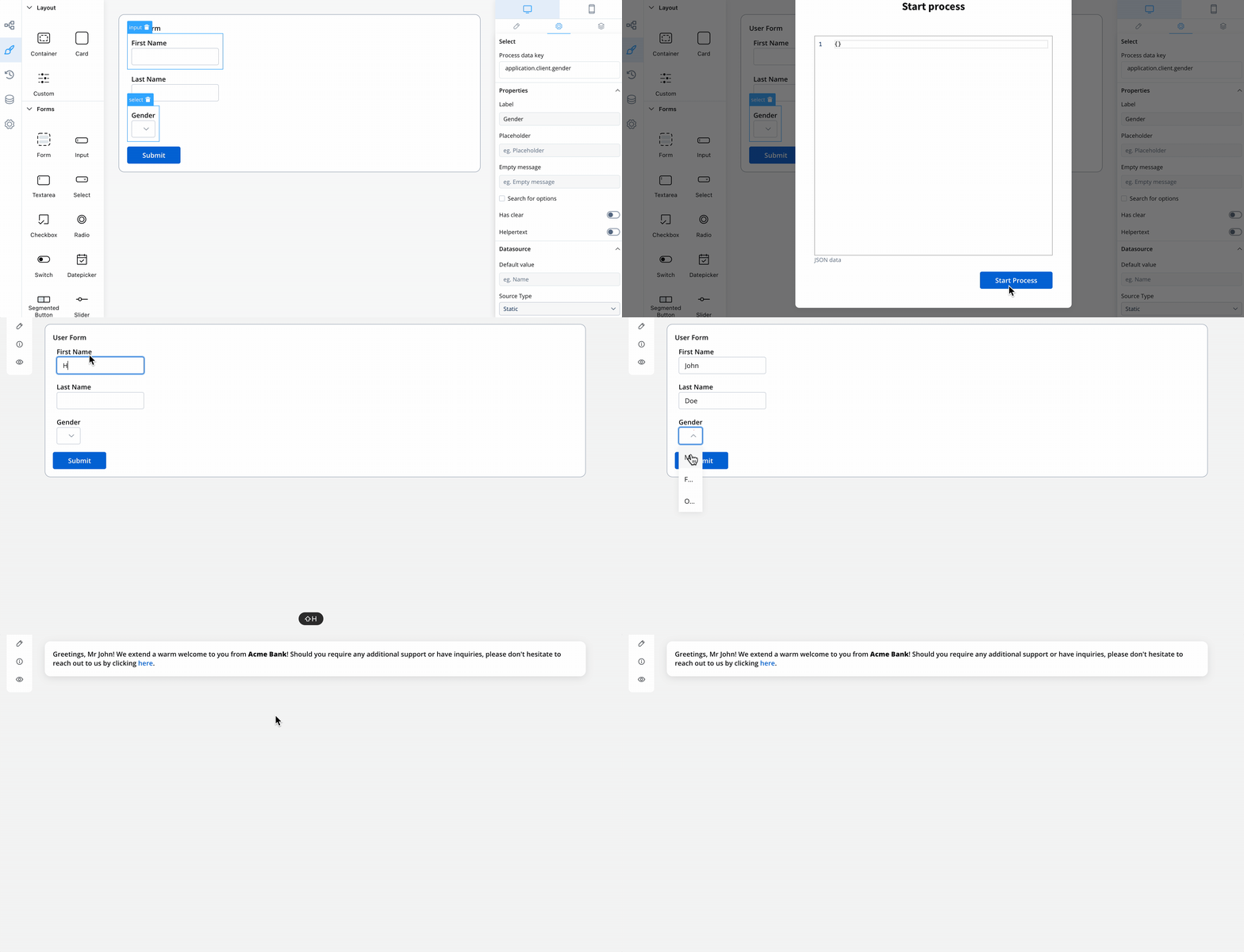
Let’s take look at the following example. We have some data about the gender of a user and we need to create a business rule that computes the formal title based on the gender:
-
This is how the process instance data looks like before it reaches the business rule:
- When the token reaches this node the following script (defined for the business rule) is executed. The language used here for scripting is MVEL.
- After the script is executed, the process instance data will look like this:
Flattened vs unflattened keys
Business rules examples
We will use the MVEL example used above to rewrite it in other scripting languages formats:- MVEL
- Python
- JS
- Groovy