

After upgrading to a new platform version, always ensure that your installed component versions match the versions specified in the release notes. To verify this, navigate to FlowX.AI Designer > Platform Status.
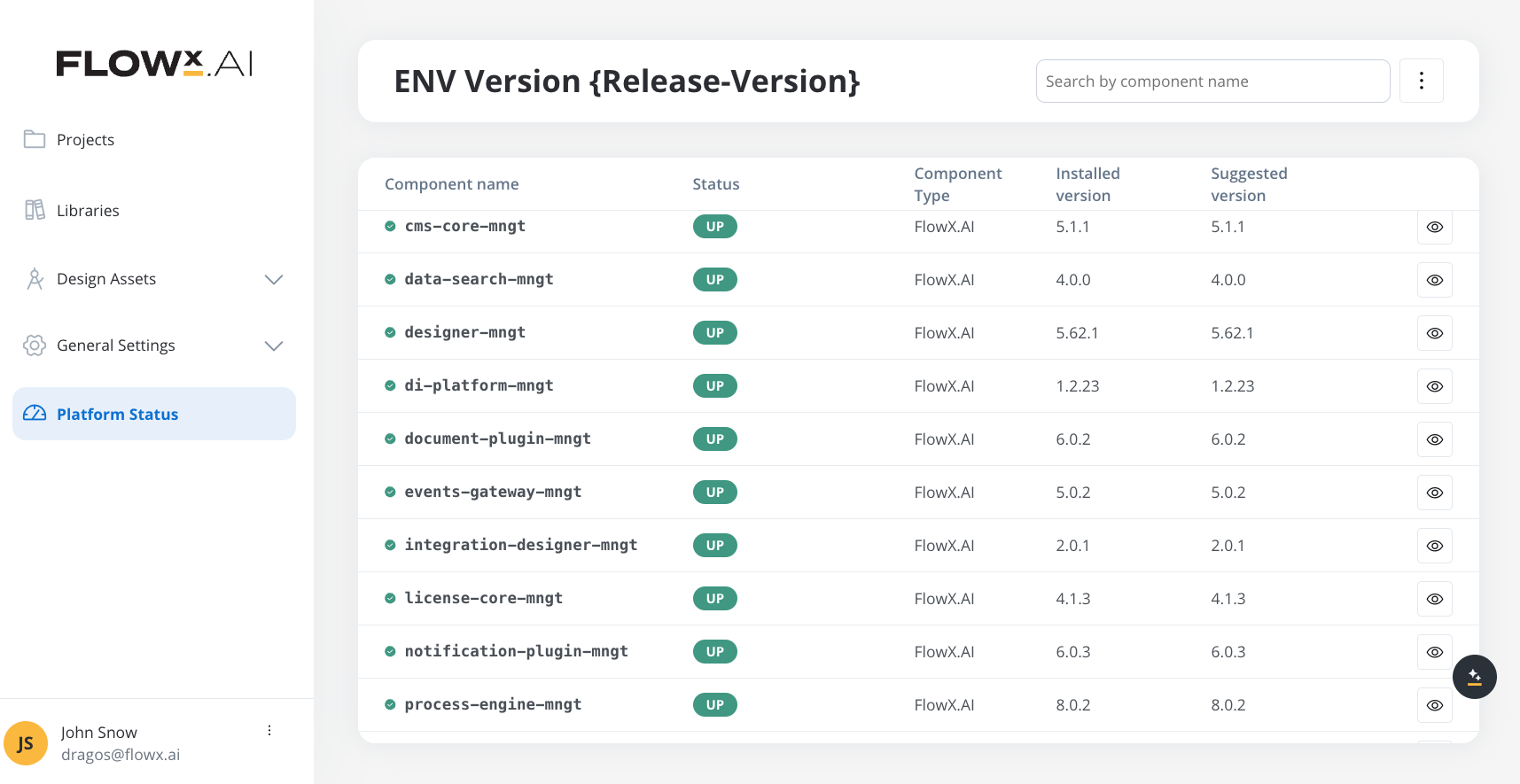
Component versions
Embedded components
- SpiceDB
- DGraph
Renderers
Plugins
AI Platform
Third-party supported component versions
New in v5.4.0
Key features and updates
Email Trigger
Start processes automatically from incoming emails with configurable validation rules
MCP Server Improvements
Enhanced audit logging, resource management, and tool refresh capabilities
Email Gateway
New microservice for handling email communication workflows
Upgrading from v5.3.0
Breaking changes
FlowX.AI 5.4.0 does not introduce breaking changes for standard deployments. Upgrades from v5.3.0 should be straightforward.
New environment variables
The following new environment variables have been introduced:Key changes
- Email Trigger: New capability to start processes from email events
- Connector Topics: New dedicated topic pattern variable for connectors
- Kafka Configuration: Standardized Kafka property names (
KAFKA_BOOTSTRAP_SERVERS,KAFKA_SECURITY_PROTOCOL) aligned across all services with backwards compatibility - Email Gateway: New microservice for email communication workflows
New microservice: Email Gateway
FlowX.AI 5.4.0 introduces a new optional microservice: Email Gateway. This service handles email communication workflows within the platform.
The Email Gateway operates as an internal service and does not require ingress configuration.
Email Gateway Setup Guide
Complete setup instructions including Helm values, environment variables, and troubleshooting.
Compatibility
- No Breaking Changes: Standard deployments can upgrade without configuration changes
- Feature Additions: SaaS features require additional infrastructure configuration for production use
- Renderer Updates: Web and mobile SDKs include bug fixes with backward compatibility
- Database: No schema changes required for this upgrade
Support
For technical support, deployment assistance, or feature questions, please contact your FlowX.AI support representative.
Support channels
- Technical issues: Contact your FlowX.AI support representative
- Feature questions: Reach out through your designated support channel
- Documentation: Report documentation issues or suggestions