When configuring a message, you have the following properties:
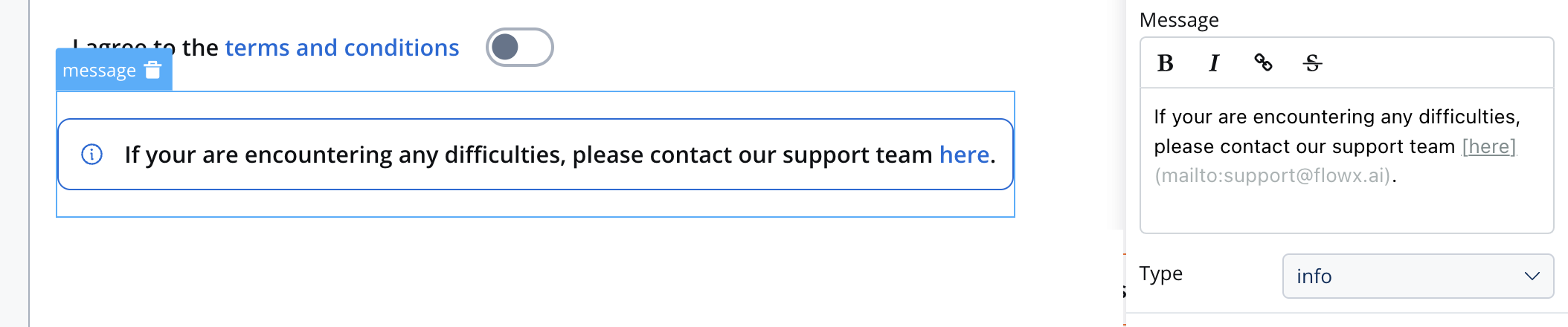
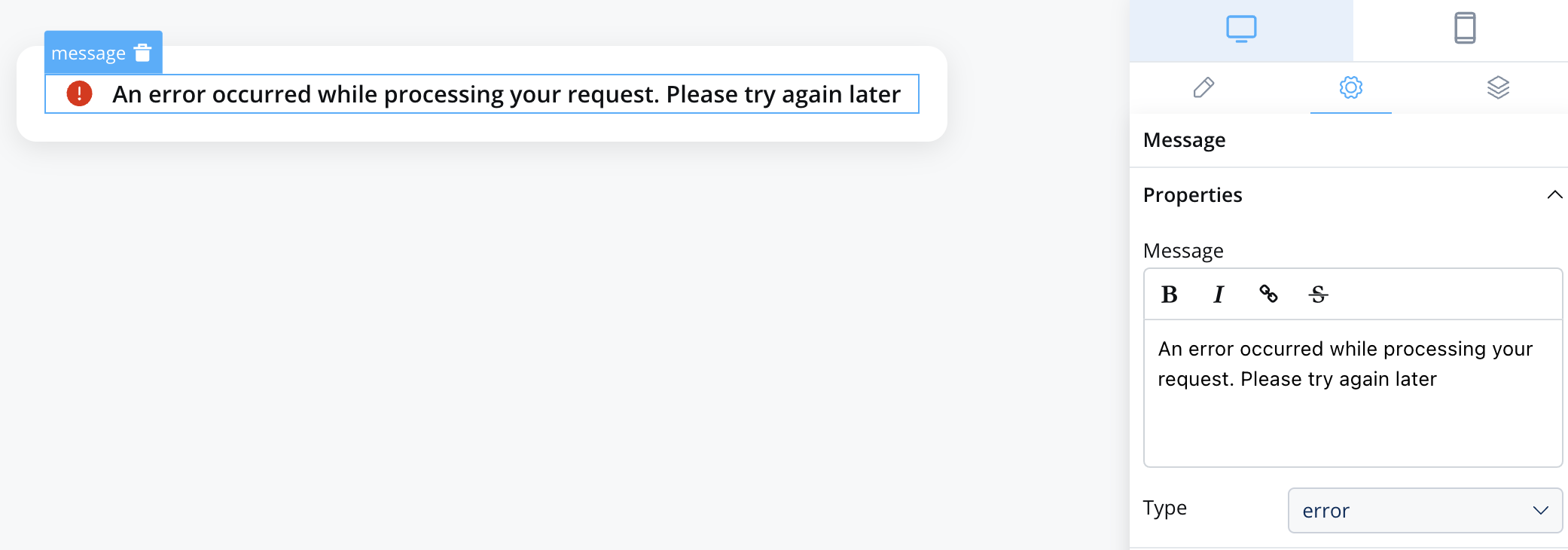
Message: The content of the message body, this property supports markdown attributes such as: bold, italic, bold italic, strikethrough and URLs, allowing you to format the content of the message.
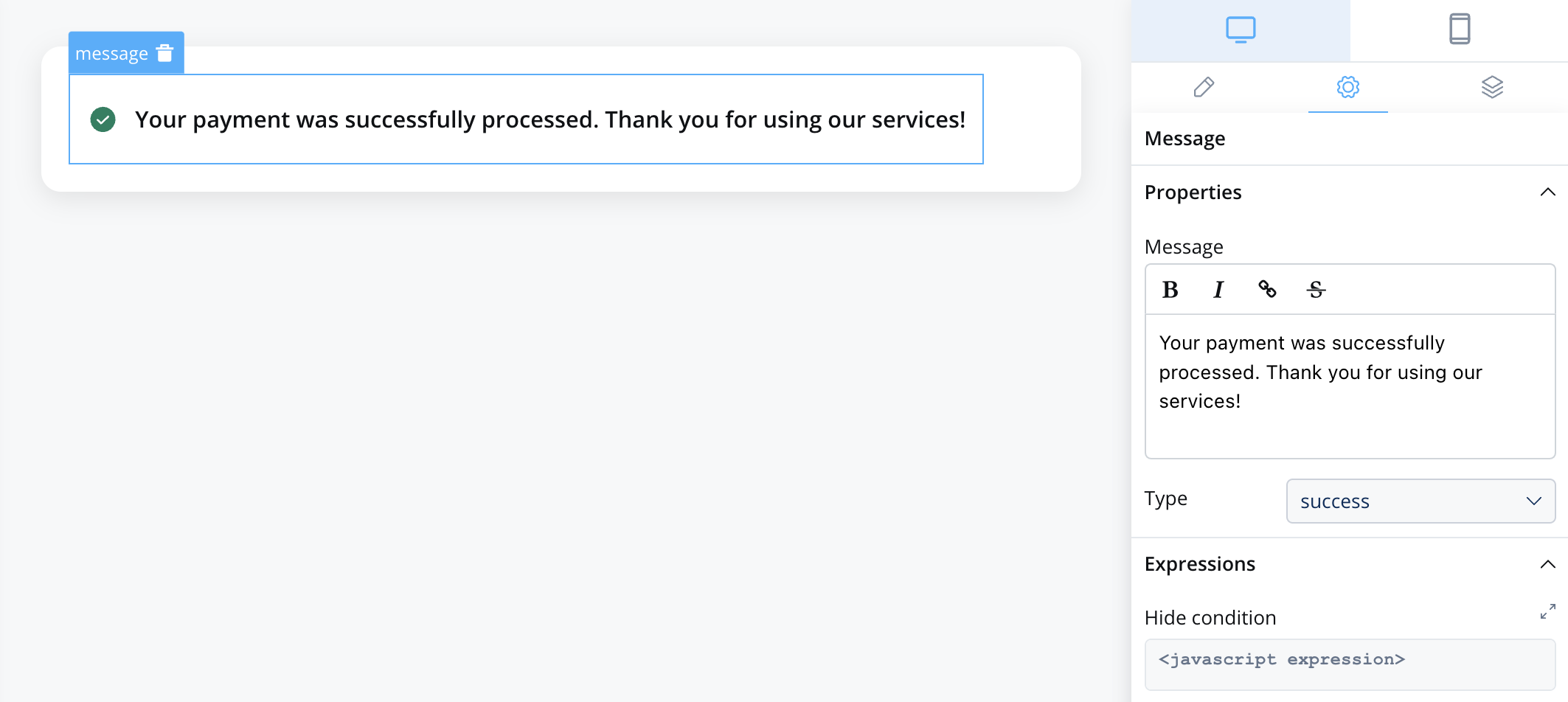
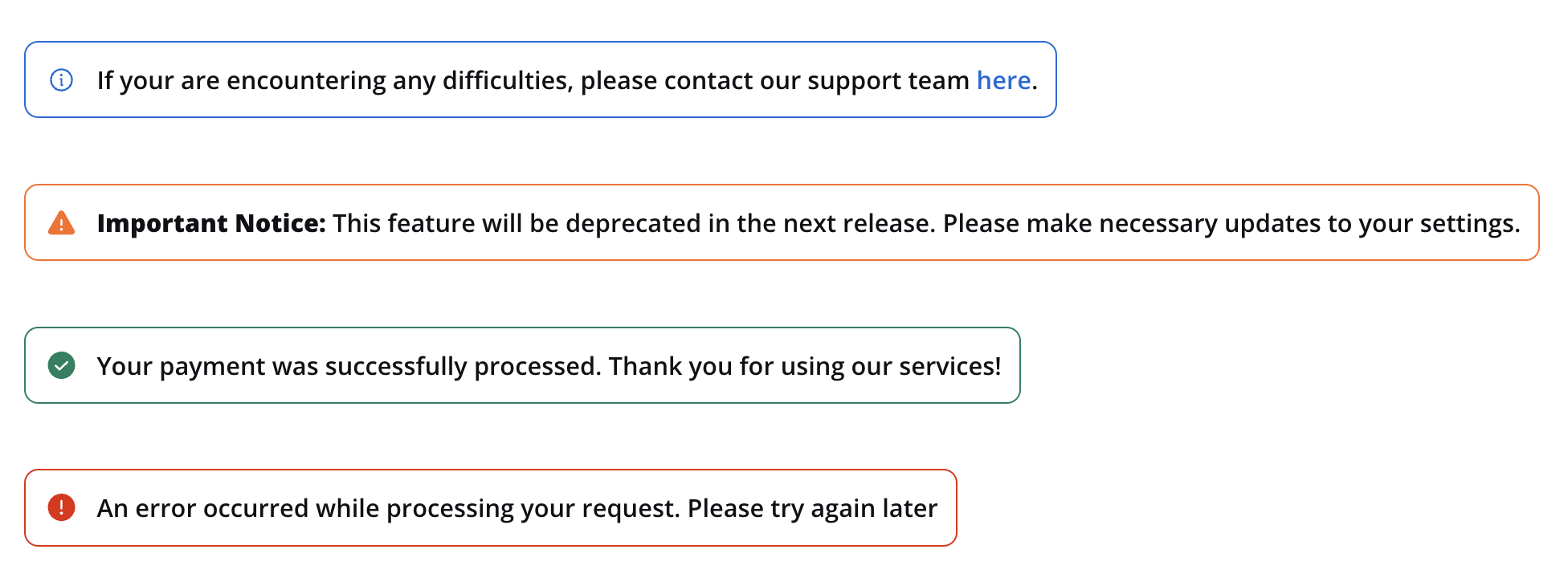
Type: one of the four indicator types: info, warning, error, success
Expressions: you can define expressions to control when the message should be hidden. This can be useful for dynamically showing or hiding messages based on specific conditions.
Platform overrides: the Message text and the Hide expression can be overridden per platform. Select the message element, then go to Settings → your desired platform → Overrides (+) and pick Message or Expressions → Hide. Use this to show a shorter message on mobile or hide the banner on one platform only.
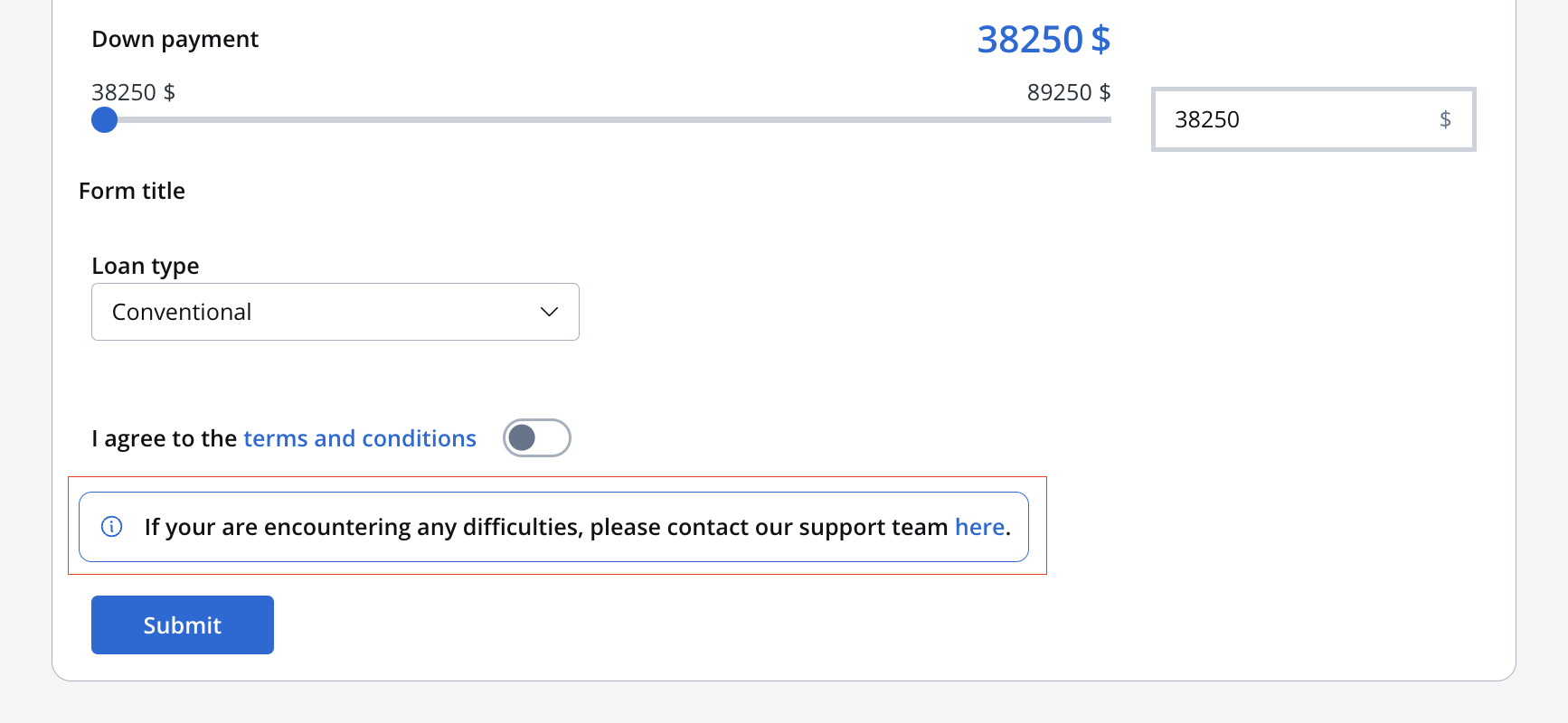
Info example with markdown:
If you are encountering any difficulties, please [contact our support team](mailto:support@flowx.ai).
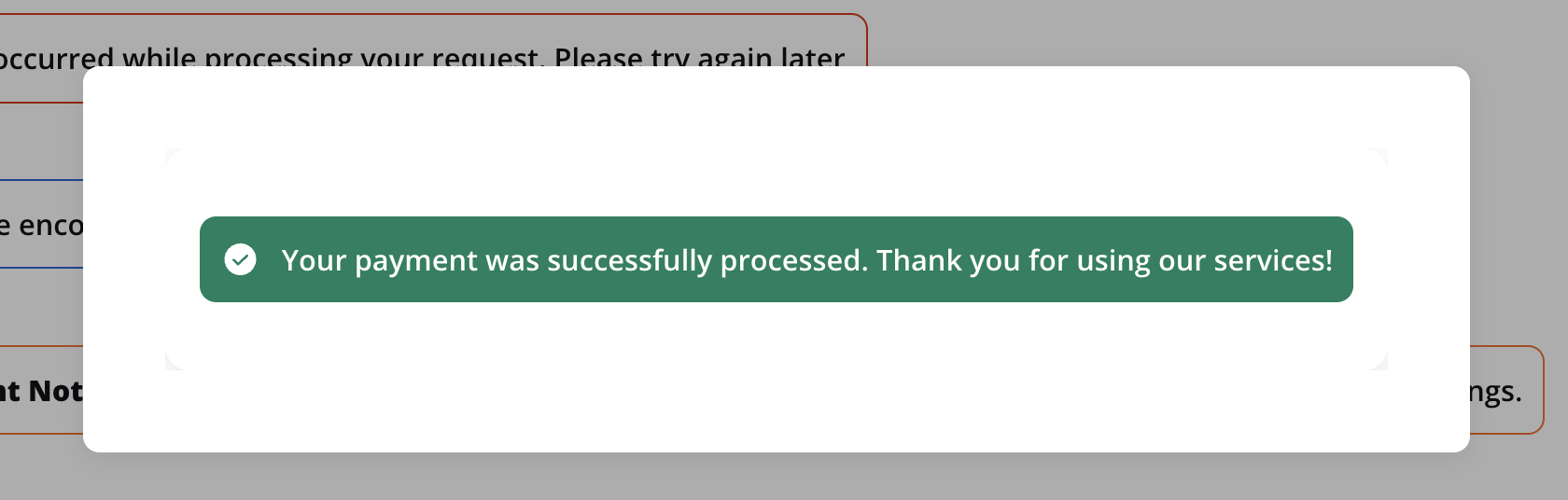
The Style section allows you to customize the appearance of your indicator UI element. You can apply the following style to achieve the desired visual effect:
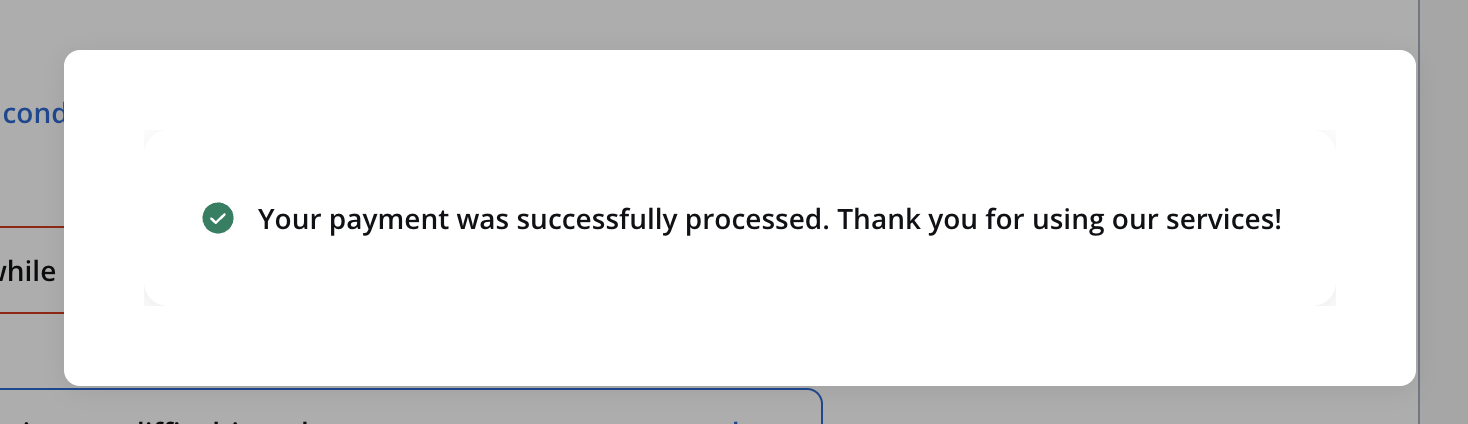
Text: Displays only the icon and the text.
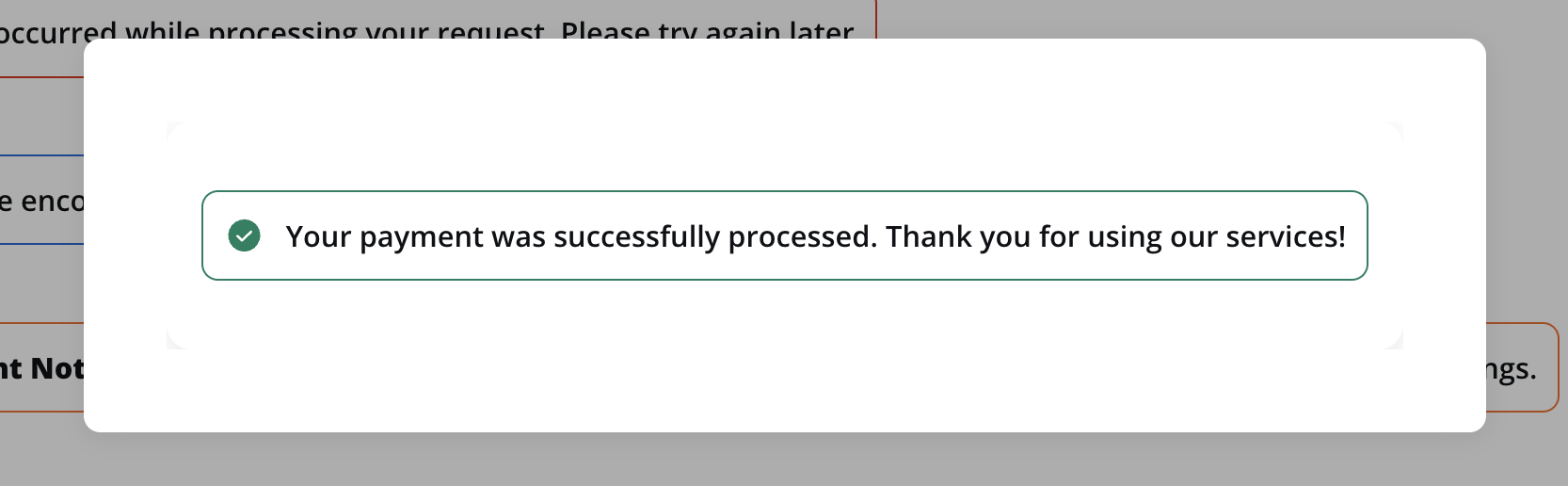
Border: Displays the icon, the text and the border.


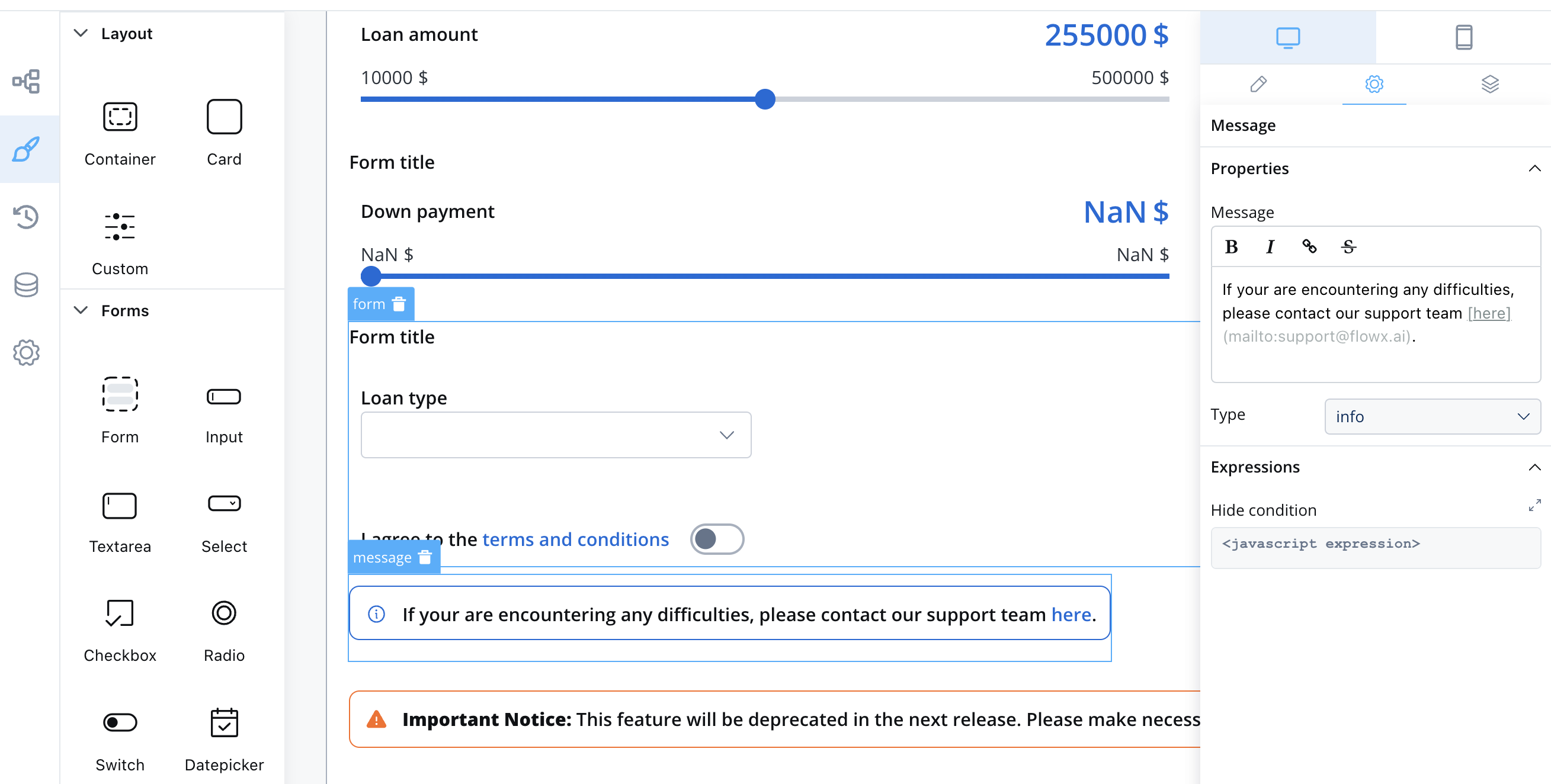 Info example with markdown: