


Configuring a timer intermediate event (interrupting)
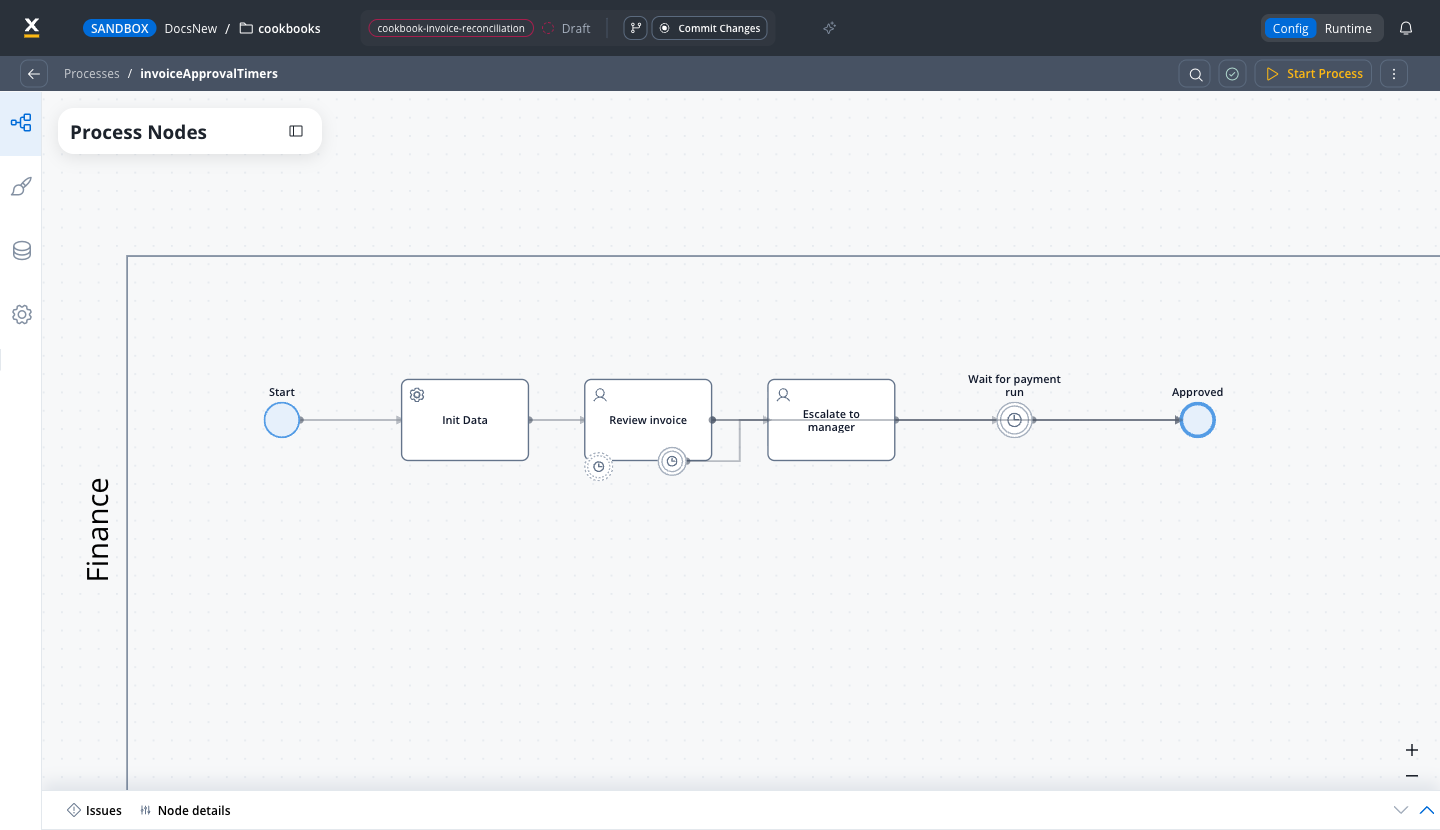
Timer type:
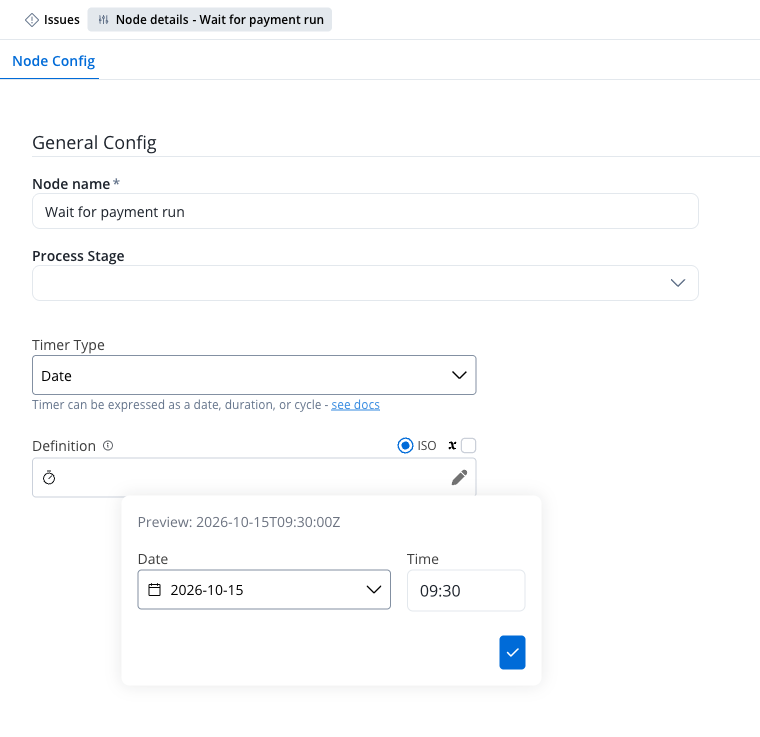
Date
- event triggered on a specific date-time
- ISO 8601 format (example:
2019-10-01T12:00:00Z- UTC time,2019-10-02T08:09:40+02:00- UTC plus two hours zone offset)
Duration
Event triggered after x duration after the token reached the timer node (or parent node) (example:PT6S).
- Definition:
- ISO 8601 duration
- Process parameter
Cron expressions are available only for the Cycle timer type, which this node does not support.
General Rules
- A Timer Intermediate Event is triggered based on its duration or date definition.
- When the token enters a Timer Intermediate Event, a scheduler is set, and it waits for the timer event to be triggered.
- After the timer is triggered, the process instance continues.